5-6 TL33 Work Platform
Section
5.4 Trouble shooting the motor control unit (The MOS90)
Important basics applicable to the motor control unit:
• The MOS90 has a green diagnostics L.E.D. in the front panel.
• The green L.E.D. will turn on and shine continuously when the MOS90 is powered up and working correctly.
• The green L.E.D. will be off if no power is being supplied to the MOS90.
• The green L.E.D. will flash a sequence of flashes if the MOS90 is damaged or is receiving an improper signal from
the machine circuit. An explanation of the flash sequences or “flash faults” is shown in the table below.
• The MOS90 is high temperature protected, called “thermal cut-back”. The high temperature cut-back starts at 80
degrees Celsius and the MOS90 will shut down at 90 degrees Celsius. This is a gradual feature and the symptom is:
powered functions will gradually operate slower and slower. Continuing operation at high temperature will damage the
MOS.
• The MOS90 is low voltage protected, called “low voltage cut-out”. The low voltage cut-out shuts the MOS90
down as soon as the input voltage is below 14.0VDC. This is an instant feature and the symptom is: powered
functions suddenly stop. As soon as the input voltage goes above 14.0 VDC it will resume normal functions.
• All PUMP MOS90, except, part number 57300-000 (TL33 units before serial number 1133), have a B.D.I. system
(Battery Discharge Indicator System), connected to the red L.E.D. on the upper control box. The B.D.I. system
monitors the input voltage and will inform the operator when the batteries are discharged.
Normal operation: The red L.E.D. is off.
70% Discharge: The red L.E.D. will flash.
80% Discharge: The red L.E.D. will be continuously on.
• The B.D.I. will not show how much battery power is left, it only shows how much the batteries have been discharged
from the starting time.
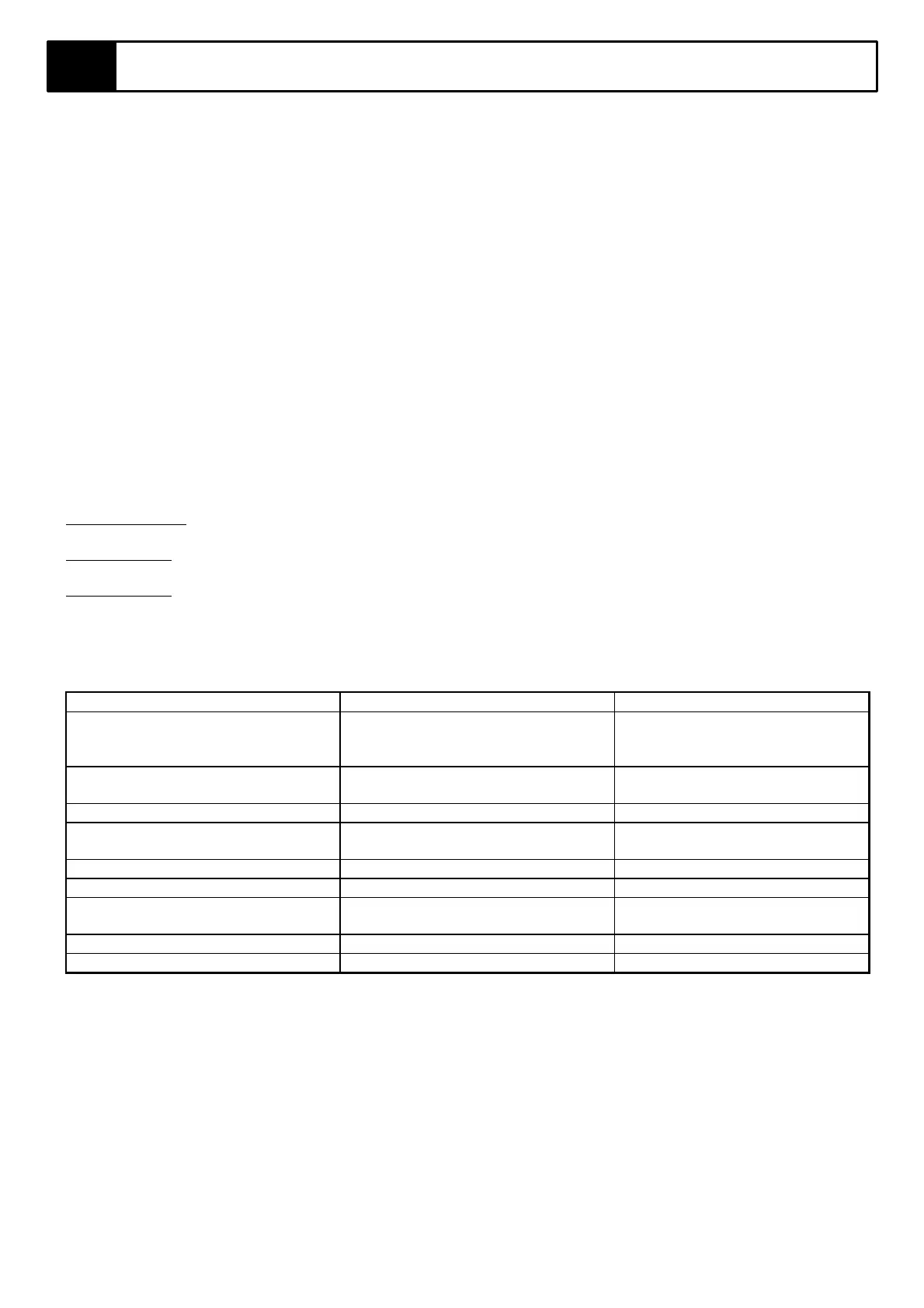
Table 5-2 MOS90 Flash Faults
L.E.D. Status Manufacturers Technical Reason Possible cause
No L.E.D MOS90 did not turn on MOS90 did not receive an input
voltage on PIN # 6 (The power
input pin)
1 Flash EEPROM corruption The MOS90 received a high
voltage spike
2 Flash not applicable not applicable
3 Flash (a) Internal short circuit
(b) Motor circuit open
(a) Line contactor not activated
(b) Motor burned / bad contact
4 Flash not applicable not applicable
5 Flash not applicable not applicable
6 Flash (a) Accelerator input wrong
(b) Accelerator input wrong
(a)Bad connection on PIN #14
(b) PIN #14 input >4.5V or < 2.4 V
7 Flash Battery voltage <14.0V Batteries low - need charging
8 Flash Thermal cut-back The MOS90 temp. is too high
General guide lines when a flash error occurs
Step 1
Disconnect the 17 pin multi-connector from the MOS90. Wait 5 seconds and plug it back in again. If the flash error stays
go to Step 2. If the green L.E.D. lights up and stays on continuously - test all functions, try to recreate the problem.
Step 2
Disconnect the 17 pin multi-connector from the MOS90. Connect pin #6 to fused battery supply (min 14VDC) and
observe the green L.E.D. If flash error stays - replace MOS90. If the green L.E.D. lights up and remains on continuously
- check wiring.
NOTE: Troubleshoot the flash error as per “possible cause” before replacing the MOS90, e.g. 8 flash fault will cure
itself with time (as the MOS90 cools down).



 To Next Page