Installing Internal Courier 2-1
Chapter 2
Installing Your Internal Courier
This chapter explains how to:
• Configure jumpers (if your Courier is not being used with
Windows 95)
• Insert the internal Courier into your computer
• Connect the cables
What You Need
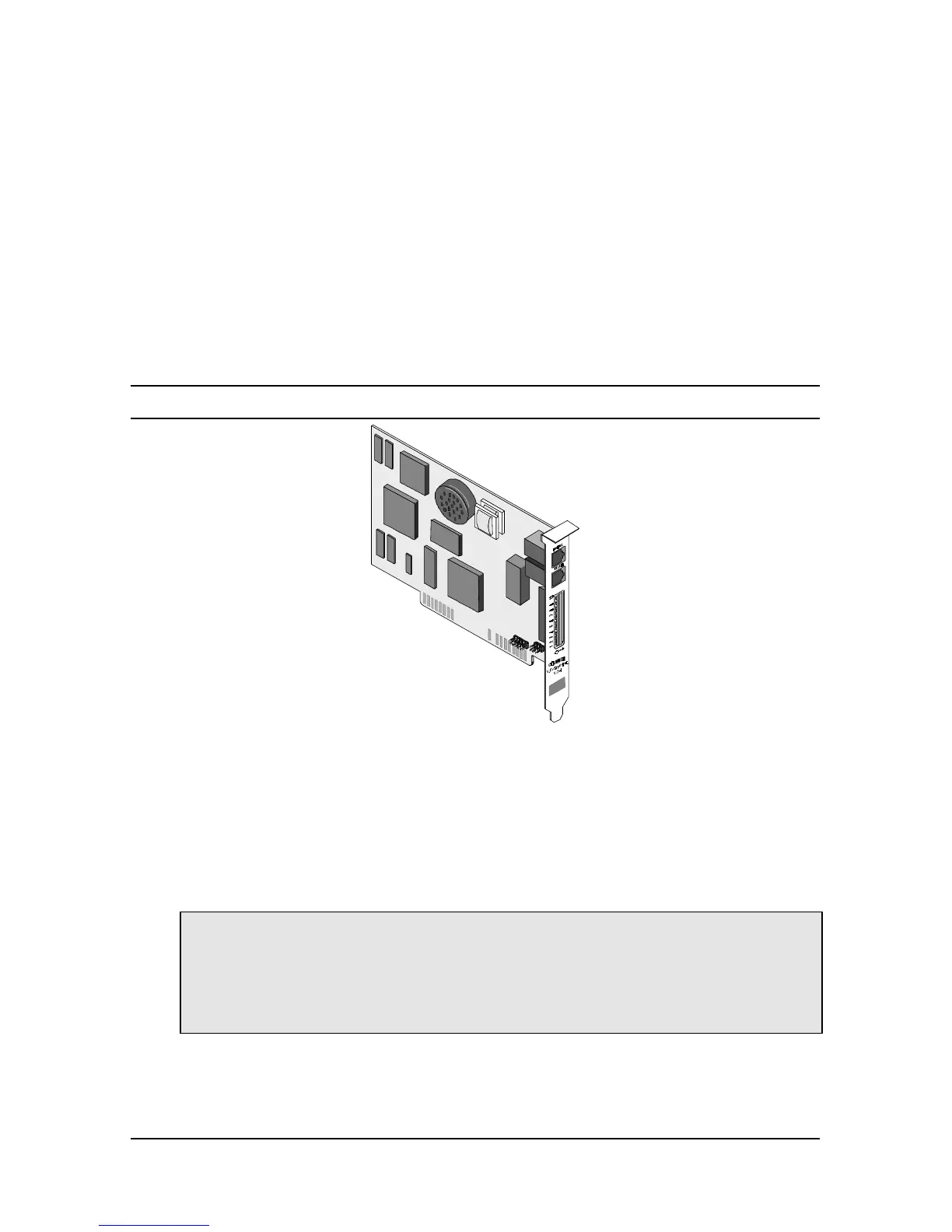
Figure 2. 1 The Courier V.Everything Internal Modem
You need the following to install your internal Courier V.Everything:
• Computer with a free interface card slot
• Analog telephone line
• Communications software
Warning: The Courier requires a standard, analog telephone line. Do not
connect your Courier to a digital telephone line. Digital lines are
commonly used in office buildings and hotels. If you are unsure whether
your line is analog or digital, ask your network administrator or your
local telephone company.















 To Next Page