2-6 Courier V.Everything Getting Started Guide
Step Four: Connecting the Cables
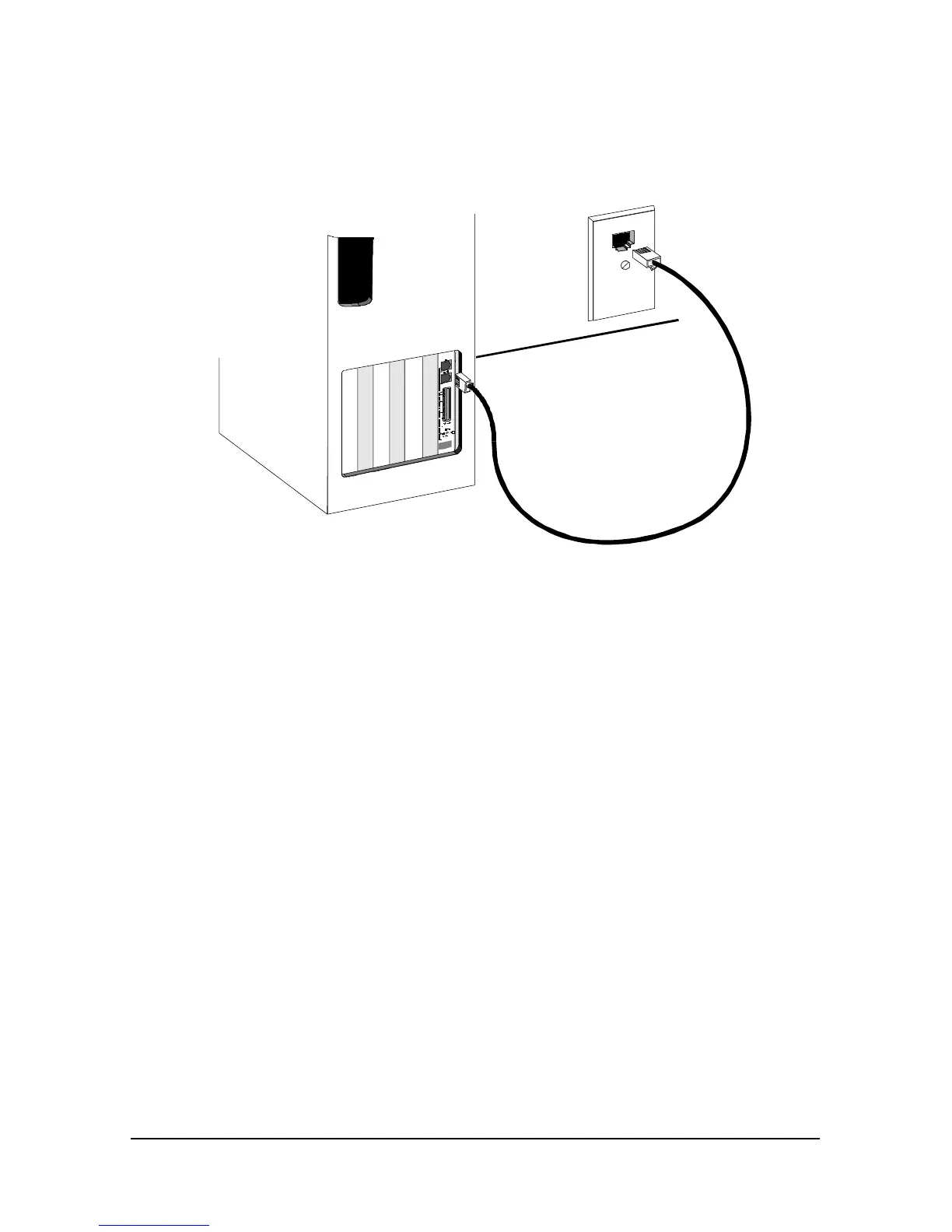
1 Connect one end of the phone cable to the telephone wall jack and the
other end to the port on your Courier labeled JACK.
2 If you want to connect a telephone to the same line as your Courier,
plug your phone’s cable into your Courier port labeled PHONE.
You are now ready to configure your Courier modem.















 To Next Page