Installing Internal Courier 2-5
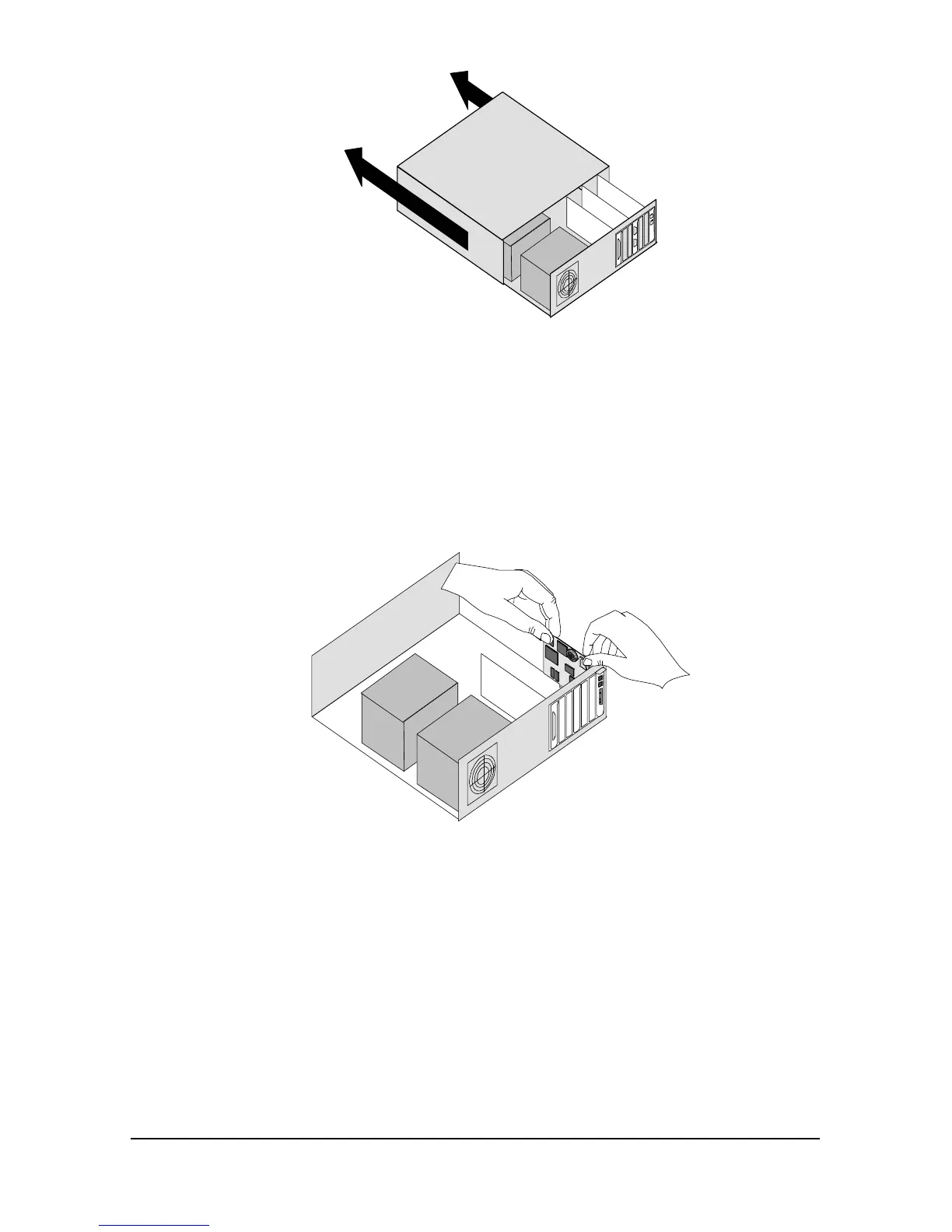
2 Remove the screws that hold on the computer’s cover and slide the
cover off.
3 Find an empty expansion slot that provides enough room to install
your Courier.
4 Remove the screw that holds on the slot cover and remove the slot
cover. Save the screw!
5 Insert your Courier into the slot and press down on the top edge of
your Courier until it is seated firmly.
6 Using the screw you saved in Step 4, secure your Courier in your
computer.
7 Replace the cover of your computer and tighten the screws.
You are now ready to connect the cables.















 To Next Page