Windows 95 4-9
Step Two: Installing Dial-Up TCP/IP Support
1 Click Start | Settings | Control Panel.
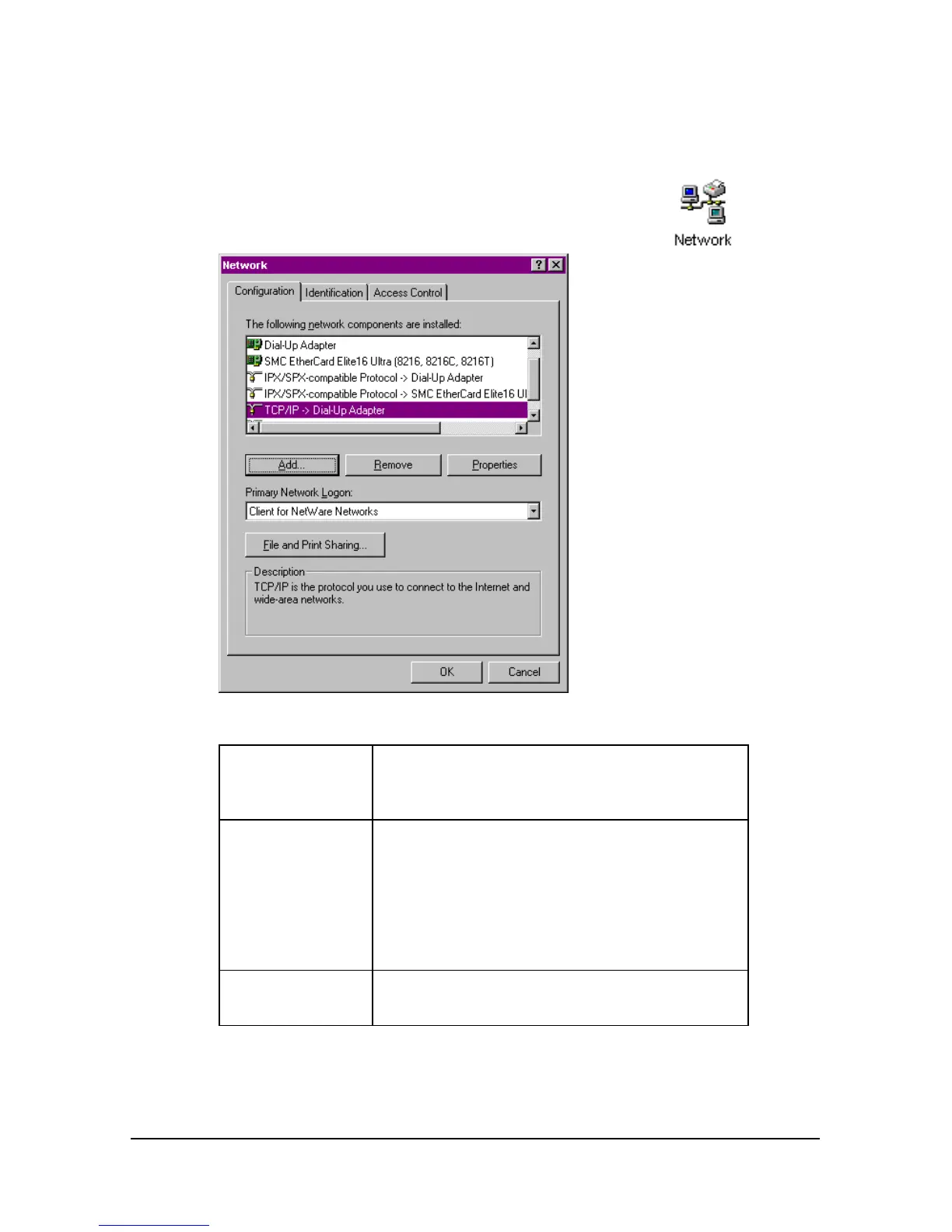
2 On the Control Panel, double-click on the
Network icon to display the following window:
Determine if the TCP/IP Dial-Up Adapter is installed:
IF TCP/IP ->
Dial-Up
Adapter
Do this
Is not listed Click Add… | Protocol | Microsoft | TCP/IP
| OK.
Insert your Windows 95 Setup diskette or CD-
ROM when you are prompted, and
Windows 95 installs TCP/IP protocol
support.
Is listed Read the section “Customize the TCP/IP
Settings”















 To Next Page