Installing External Courier 3-3
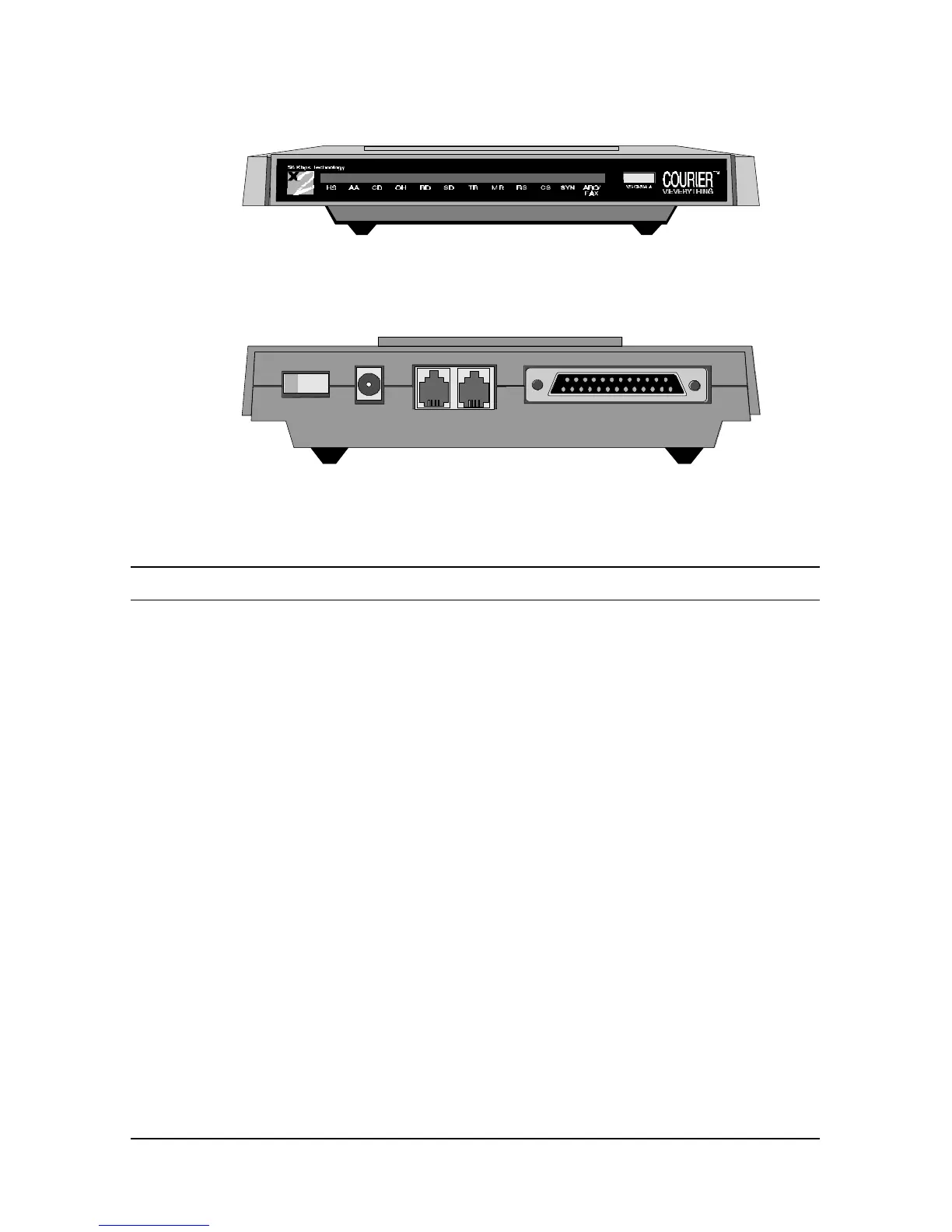
These figures show the controls, displays, and connectors on your Courier
V.Everything and indicate where to find more information about each.
Figure 3.2 The Courier V.Everything Modem (Front)
Figure 3.3 The Courier V.Everything Modem (Back).
Installing Your External Courier
To install your external Courier V.Everything, do the following:
Step One: Configure your Courier V.Everything with DIP (dual in-line
package) switches
Step Two: Choose a serial cable
Step Three: Connect the cables















 To Next Page