Testing Your Courier 9-5
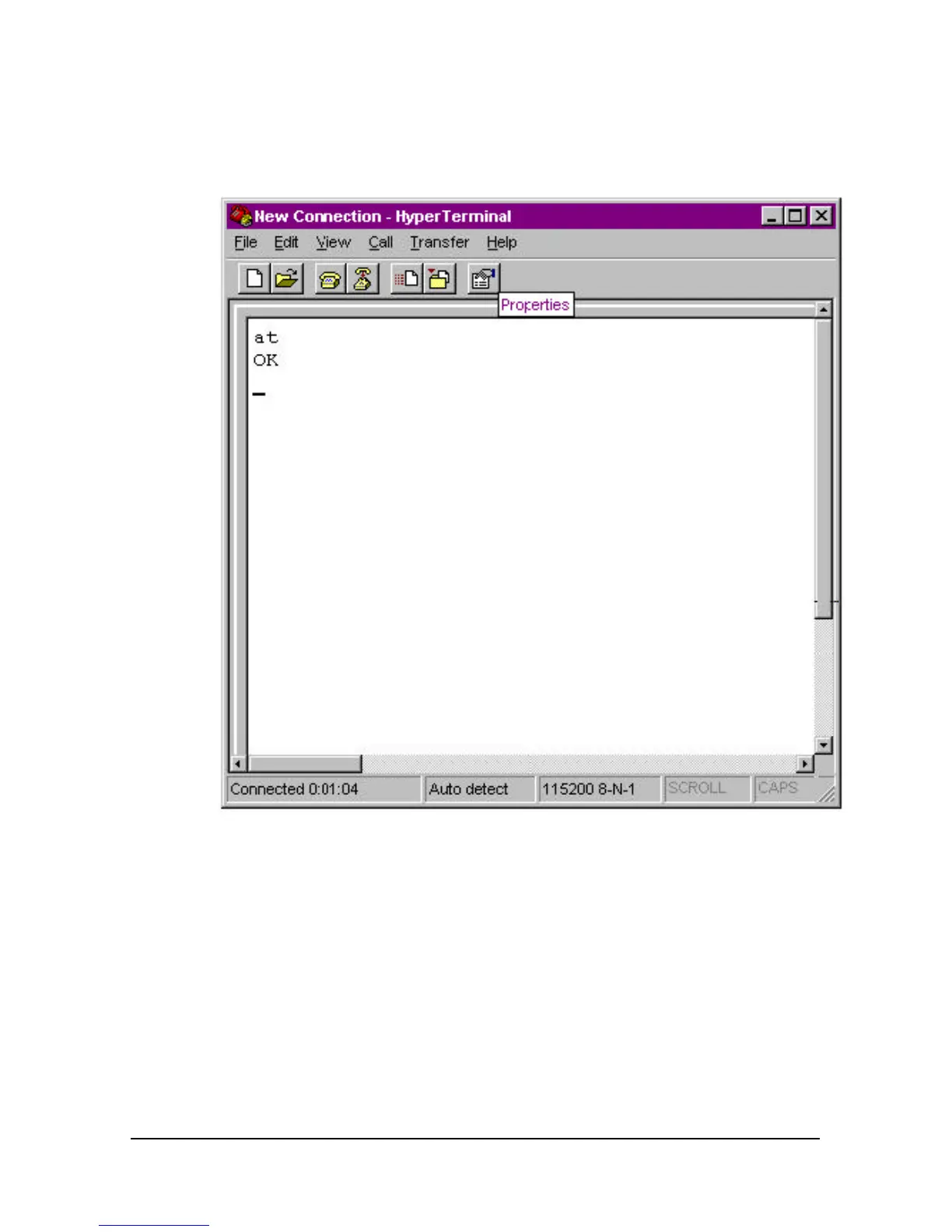
5 When the HyperTerminal terminal window appears, enter AT and hit
<enter>. If your modem is connected and configured properly, you
will see “OK” on the terminal screen.
Using Macintosh
Install MacComCenter according to the directions in its user’s manual,
which is on the Connections CD-ROM.
1 When you start MacComCenter, select Setup | Modem… The
following panel appears.
2 Use the settings below (Your port setting may be different).
3 Select the port to which your Courier V.Everything is attached
(Modem Port or Printer Port) and click OK.















 To Next Page