2-4 Courier V.Everything Getting Started Guide
Other IBM-PC Compatible Operating Systems
If you are using an IBM-PC compatible operating system, you may need
to change the jumper settings to a COM port or IRQ setting that is not
already used by your system.
For information about setting jumpers for different COM ports and IRQ
settings, see Chapter 7, Configuring Your Courier With DIP Switches and
Jumpers.
Step Two : Configuring with DIP Switches
You may need to change your DIP switch settings. See Chapter 7,
Configuring Your Courier with DIP Switches and Jumpers, for more
information.
Step Three: Inserting the Modem
Note: The illustrations in this section may not match the appearance of
your computer. For more detail, refer to your computer’s user’s manual.
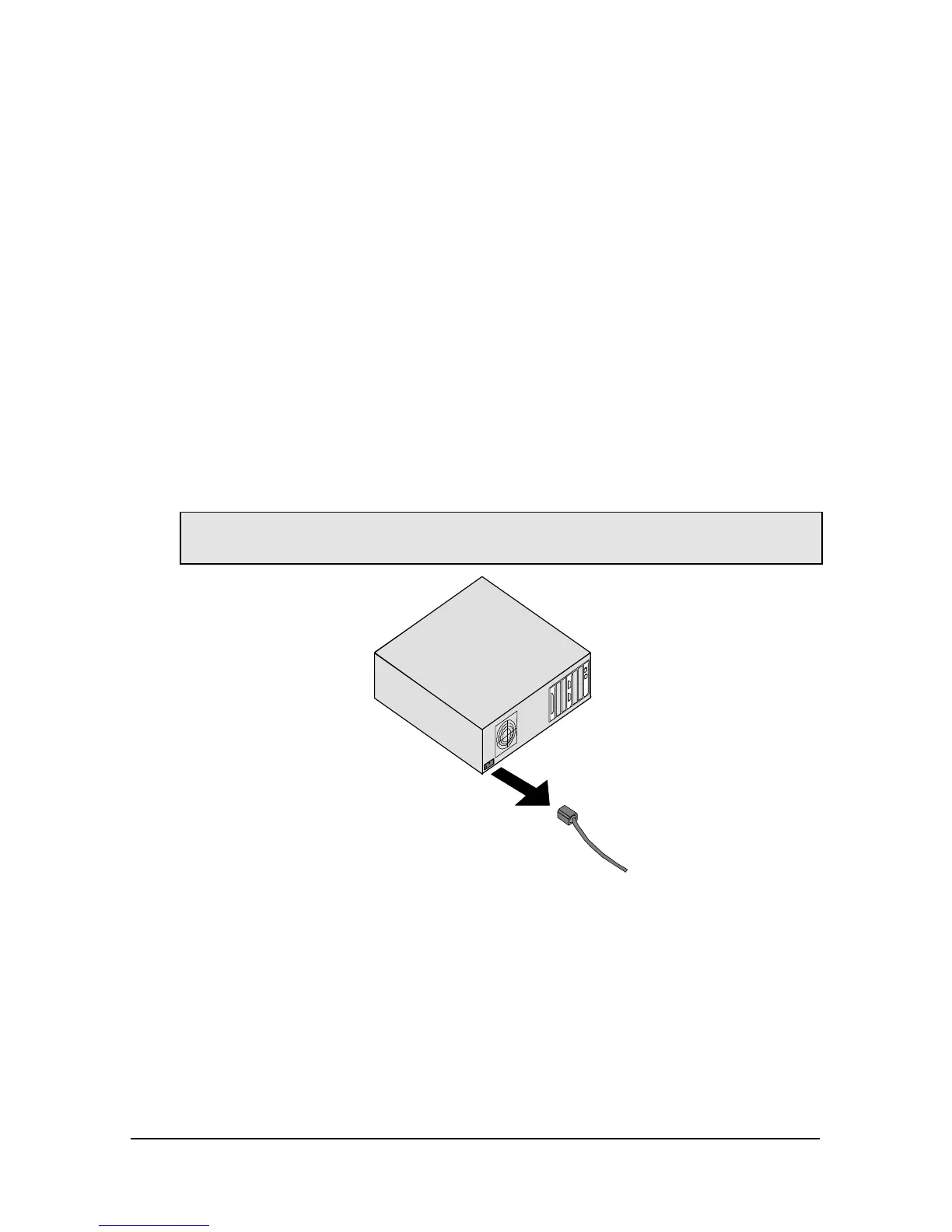
1 Turn off the computer’s power and unplug the computer’s power
cord.















 To Next Page