3-4 Courier V.Everything Getting Started Guide
Step One: Configuring with DIP Switches
You may need to change your DIP switch settings. See Chapter 7,
Configuring Your Courier with DIP Switches and Jumpers, for more
information.
Step Two: Choosing a Serial Cable
Before you can begin installation, you need to purchase an RS-232 serial
cable. Use the following steps to choose the correct serial cable:
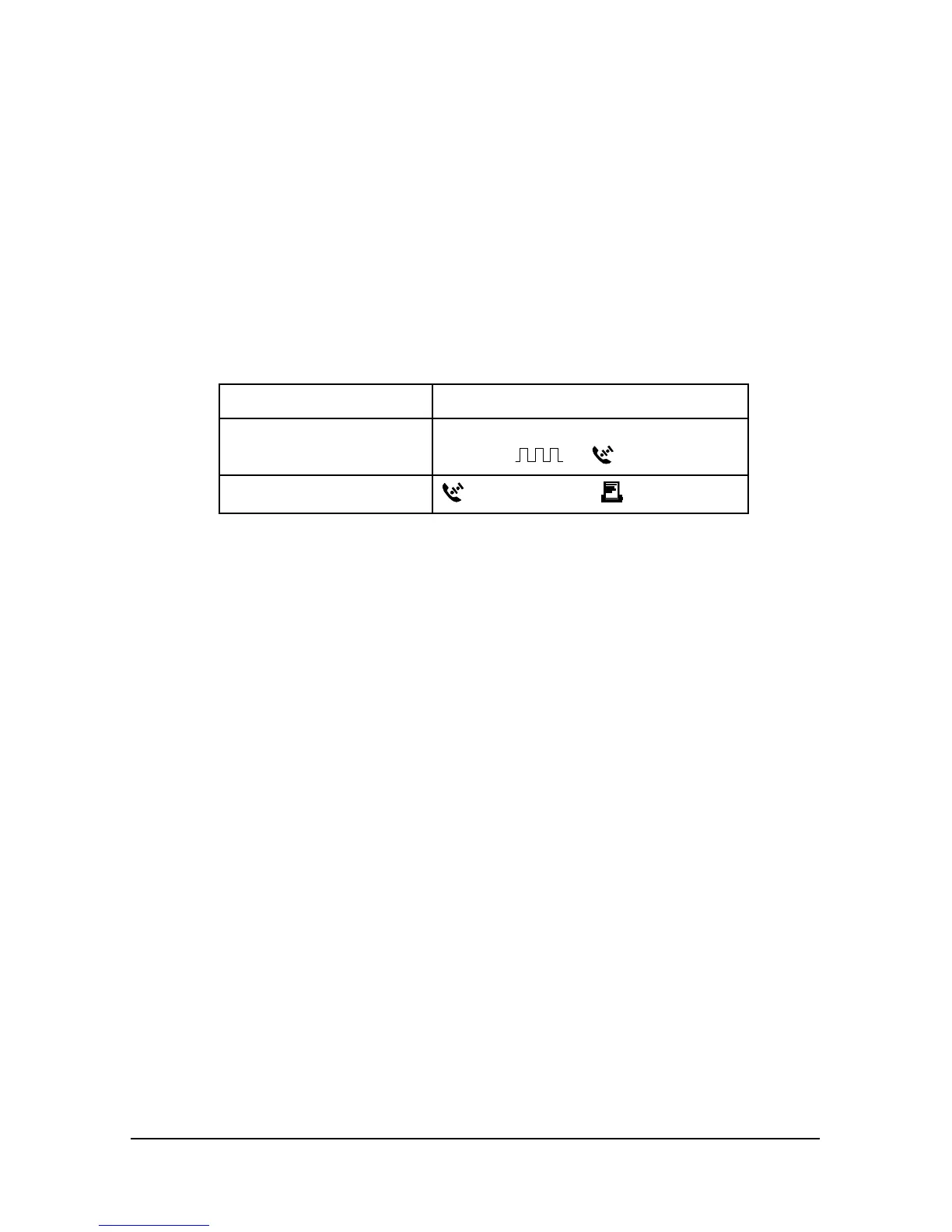
1 Look at the back of your computer for a port:
If you have Ports may be labeled this way
An IBM-compatible PC COM, RS-232, or with symbols such
as IOIOI,
, or .
A Macintosh
(modem port) or (printer port)
Refer to your computer’s documentation to determine where the port
is.















 To Next Page