Installing External Courier 3-5
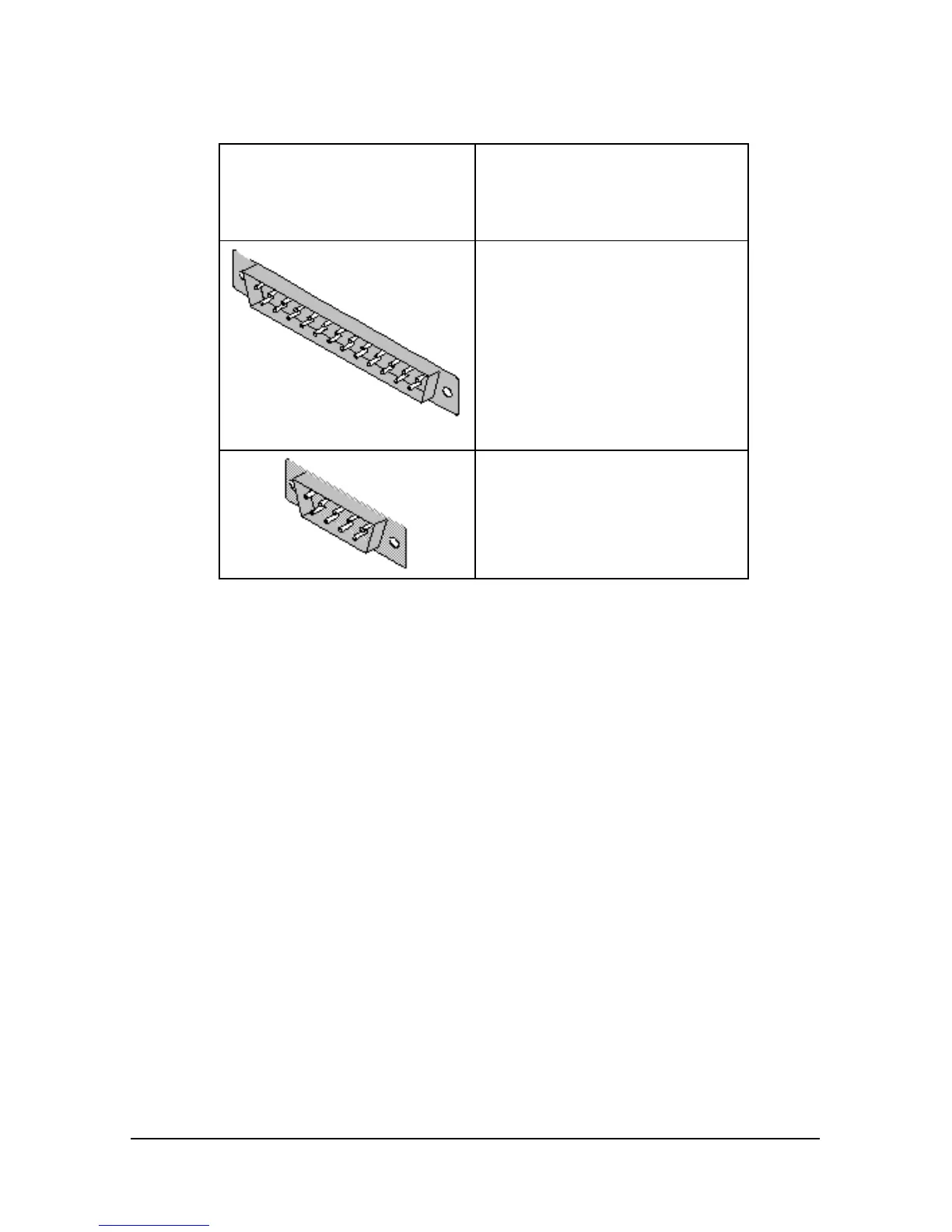
2 Obtain a serial cable. Use the chart below to determine what type of
cable to purchase:
If you have a serial
connector in the back of
your computer that looks
like this
You need to purchase this type
of shielded serial connector
DB-25 female connector to DB-
25 female connector
DB-25 female connector to DB-9
female connector
Notes for Macintosh Users
For top performance, your serial port should support speeds of 115.2
kbps. Most Macintosh serial ports support 57.6 kbps. To make your
serial port operate faster, you may need to install a high-speed serial card
designed for the Macintosh, such as a NuBus card.
Notes for Mainframe Users
If you plan to connect your Courier V.Everything to a mainframe
computer or use your Courier to dial in to a mainframe computer, refer to
Synchronous Applications in your Courier V.Everything Command
Reference manual.















 To Next Page