4-10 Courier V.Everything Getting Started Guide
Step Three: Setting Up a Connection to Your ISP
1 Click Start | Programs | Accessories | Dial-Up Networking.
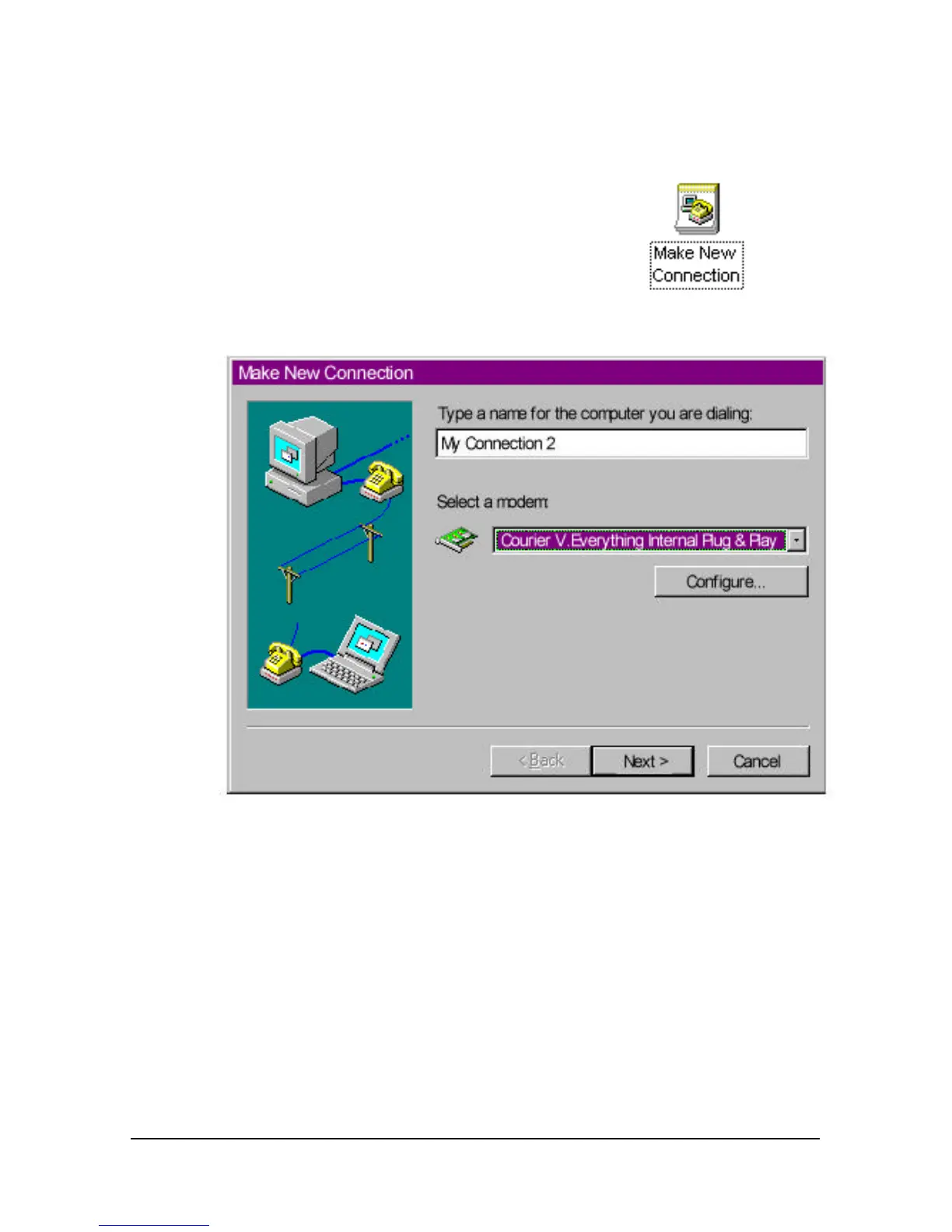
2 Double-click Make New Connection.
3 Select the correct Courier modem, if not already
selected.
4 Type a name for the connection and click Next.
5 Type the phone number you want to dial and click Next.















 To Next Page