4-2 Courier V.Everything Getting Started Guide
Follow the steps below to install the Courier V.Everything INF file for
Windows 95:
1 Power on your computer and start Windows 95. Your computer
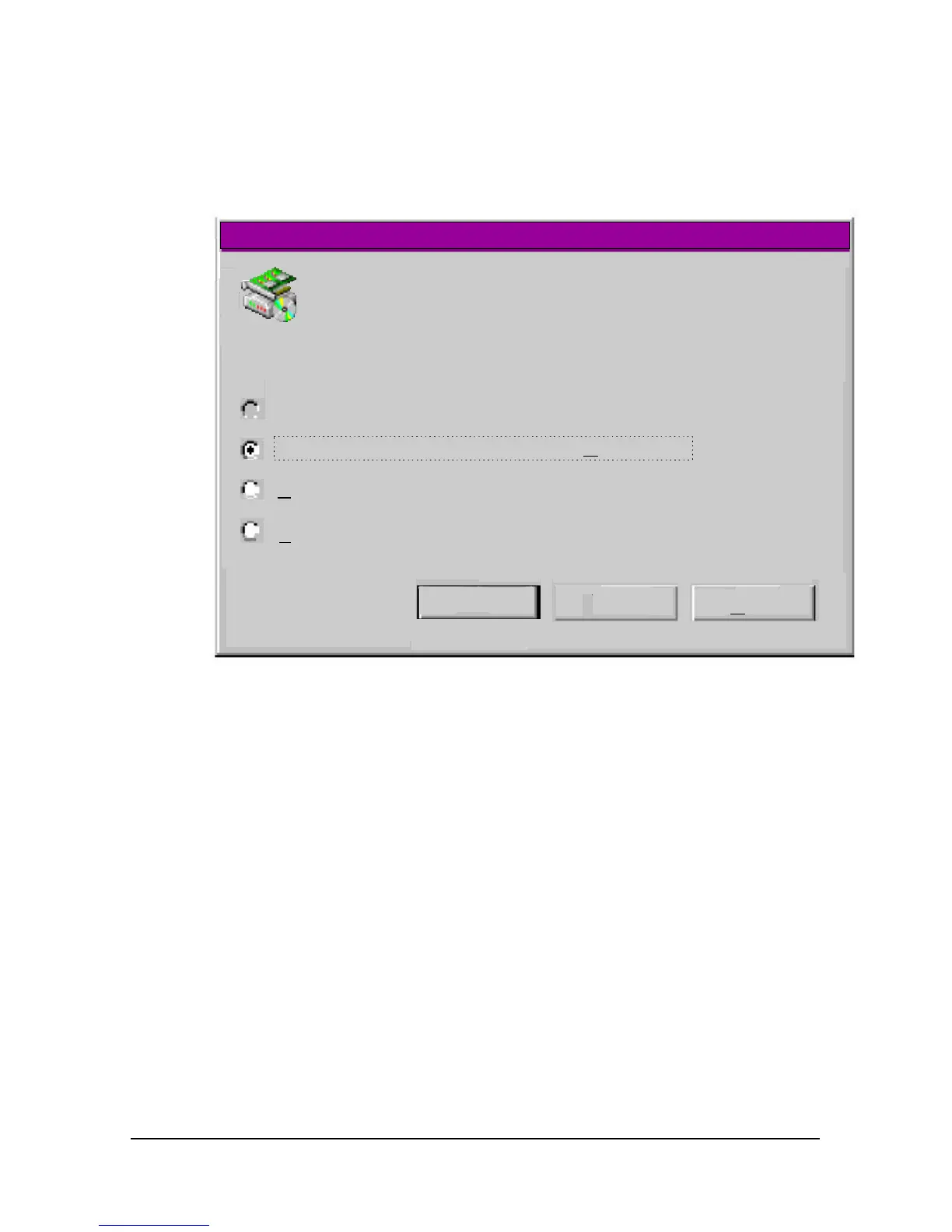
detects new hardware and displays the following window:
New Hardware Detection
Select which driver you want to install for your new hardware:
Windows Default driver
Windows Default driver
Driver from disk provided by hardware anufacturer m
Do not install a driver (Windows will not prompt you again)
Select from a list of alternate drivers
OK
Cancel
Help
U.S. Robotics Courier V.Everything
2 Select Driver from disk provided by hardware manufacturer and
click OK to install the INF file that is provided on the root directory
(D:\) of the Connections CD-ROM.
3 When the following window appears, insert your Connections CD-
ROM into, change the “Copy Manufacturer’s files from” to D:\ (or the
correct path of your CD-ROM) and click OK to install the INF file.















 To Next Page