8. Setting Up PC Environment Variables
Green 16/18 Installation Manual 99
8.3 Setting up the Power Management Options
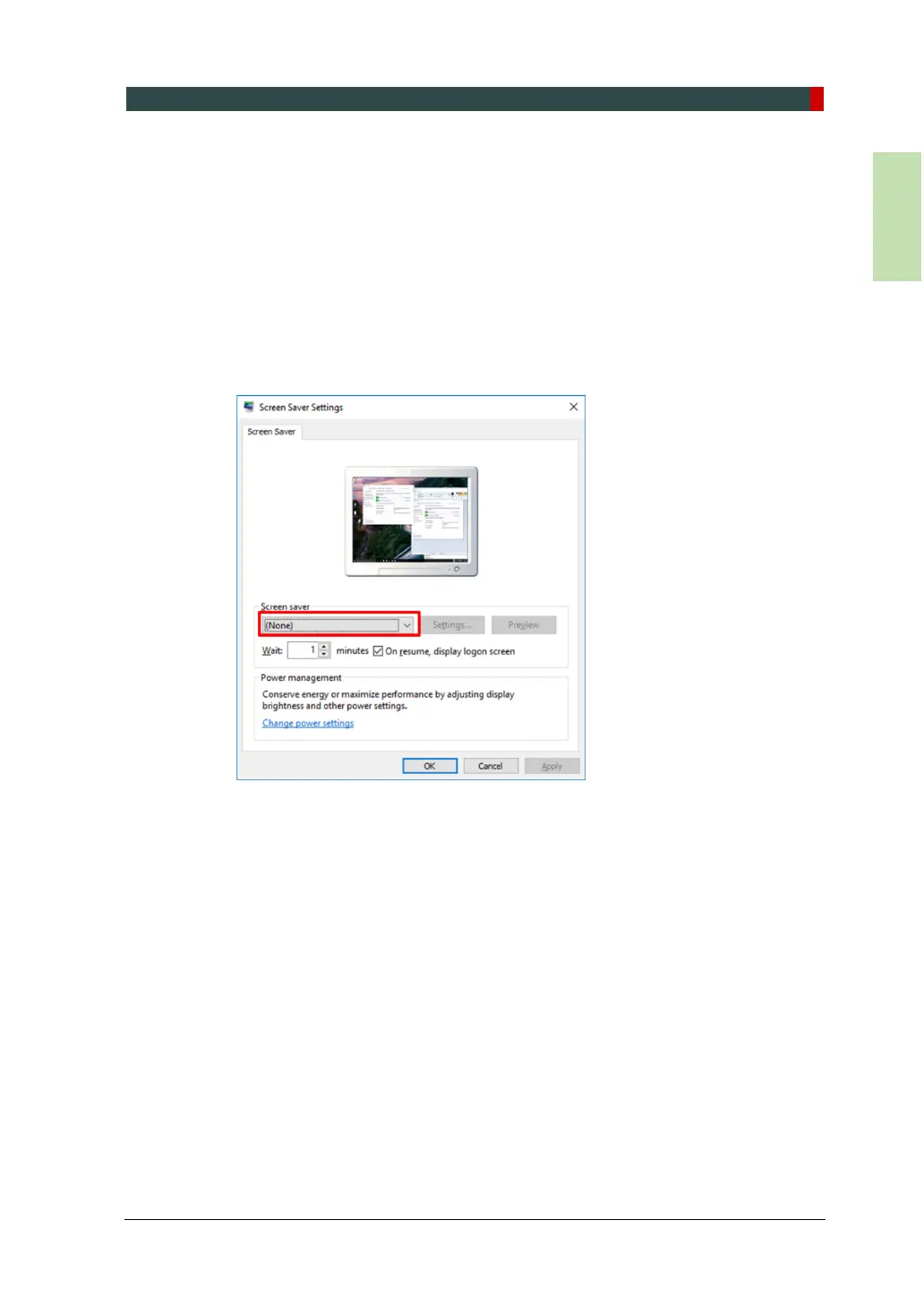
Disable the screen saver to avoid system failure during the image acquisition.
8.3.1 Disable the Screen Saver
Follow the steps below to disable the screen saver on your PC
1. Open the Start screen and type Screen Saver in the search box.
2. On the Settings window, select (None) from a drop-down menu.
3. Click OK to apply the settings.














 To Next Page