9. Installing Software
Green 16/18 Installation Manual 105
9.3 Installing the Image Viewer Program
Install the image viewer before installing console software (EzDent-i or 3
rd
party).
Follow the instructions in the image viewer’s manual, separately provided from this
installation manual. If you have a question about the EzDent-i, please contact your
VATECH representative.
9.4 Installing the Install-Package
The InstallShield is provided in a USB flash drive. Before installing the console software,
check the model’s name and serial number on your InstallShield.
The examples used in this section are from Green 16
InstallShield.
Before downloading the InstallShield, perform a virus scan for
your PC.
1. Insert the USB flash drive into a USB port on your PC.
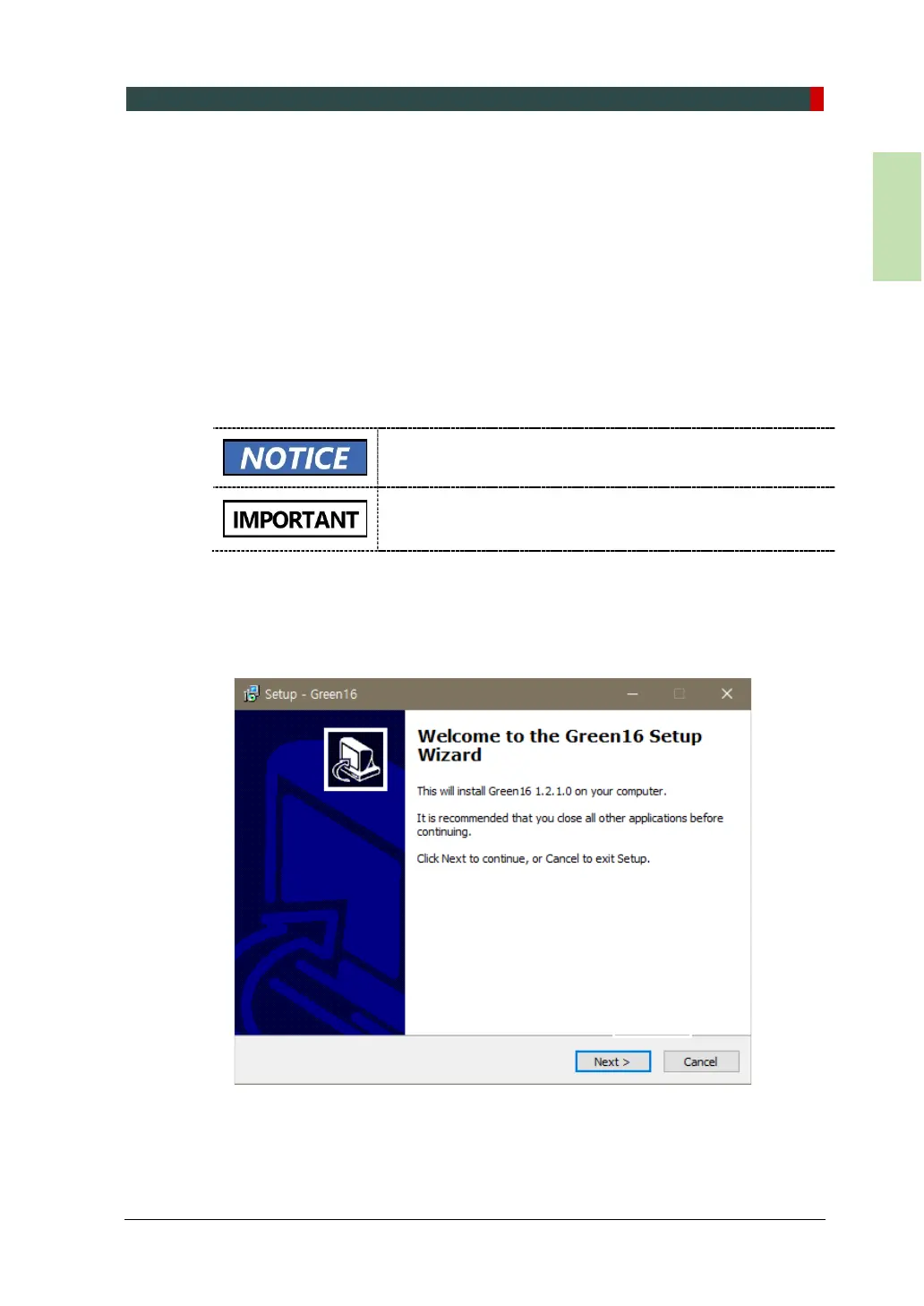
2. Go to the InstallShield folder and run Setup.exe.
3. Click Next on the Setup dialog box.














 To Next Page