5. Installing the Equipment: Wall Mount
74 Green 16/18 Installation Manual
5.2 Installing the CEPH Unit (Optional)
Please refer to section 4.2 Installing the CEPH Unit (Optional).
5.3 Installing the Wall and Column Brackets
5.3.1 Assembling the Column Bracket
1. Move the equipment to the installation site near the wall.
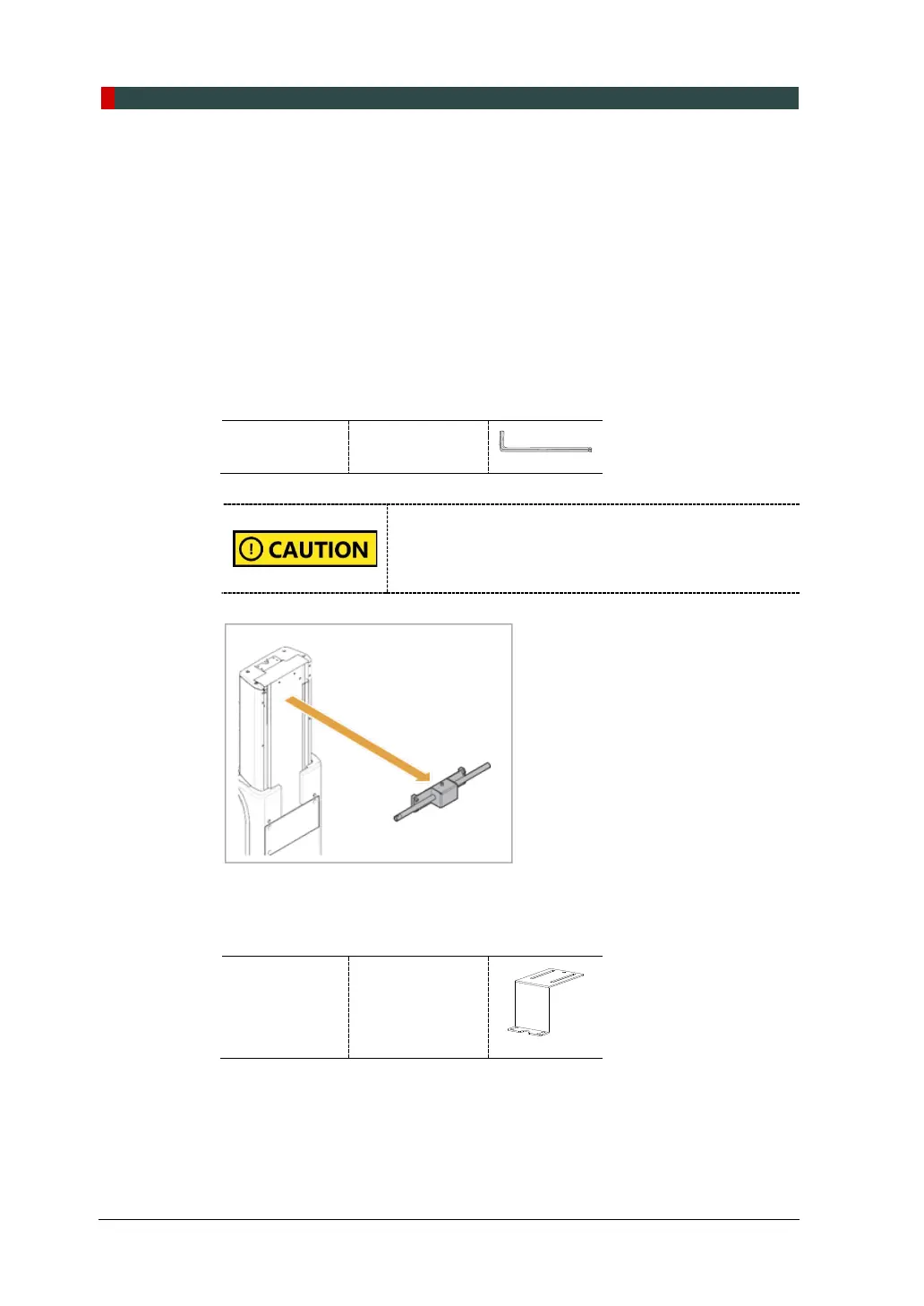
2. Remove the lower carrying handle.
Allen Wrench 6 mm / 0.24”
When you are removing the bolts on the lower carrying
handle, another person must be holding the handle to
prevent it from falling. The fall of the handle can cause
injury or property damage.
3. Remove the plastic wrap covering the column unit by using a cutter.
4. Prepare the column bracket.
Column
Bracket
(Part. No. 22)














 To Next Page