9. Installing Software
118 Green 16/18 Installation Manual
9.4.2.3 V.Grabber-OCS
1. After completing the Direct X® installation, the installation program will be started.
Select the installer language, select the window, and press the OK button.
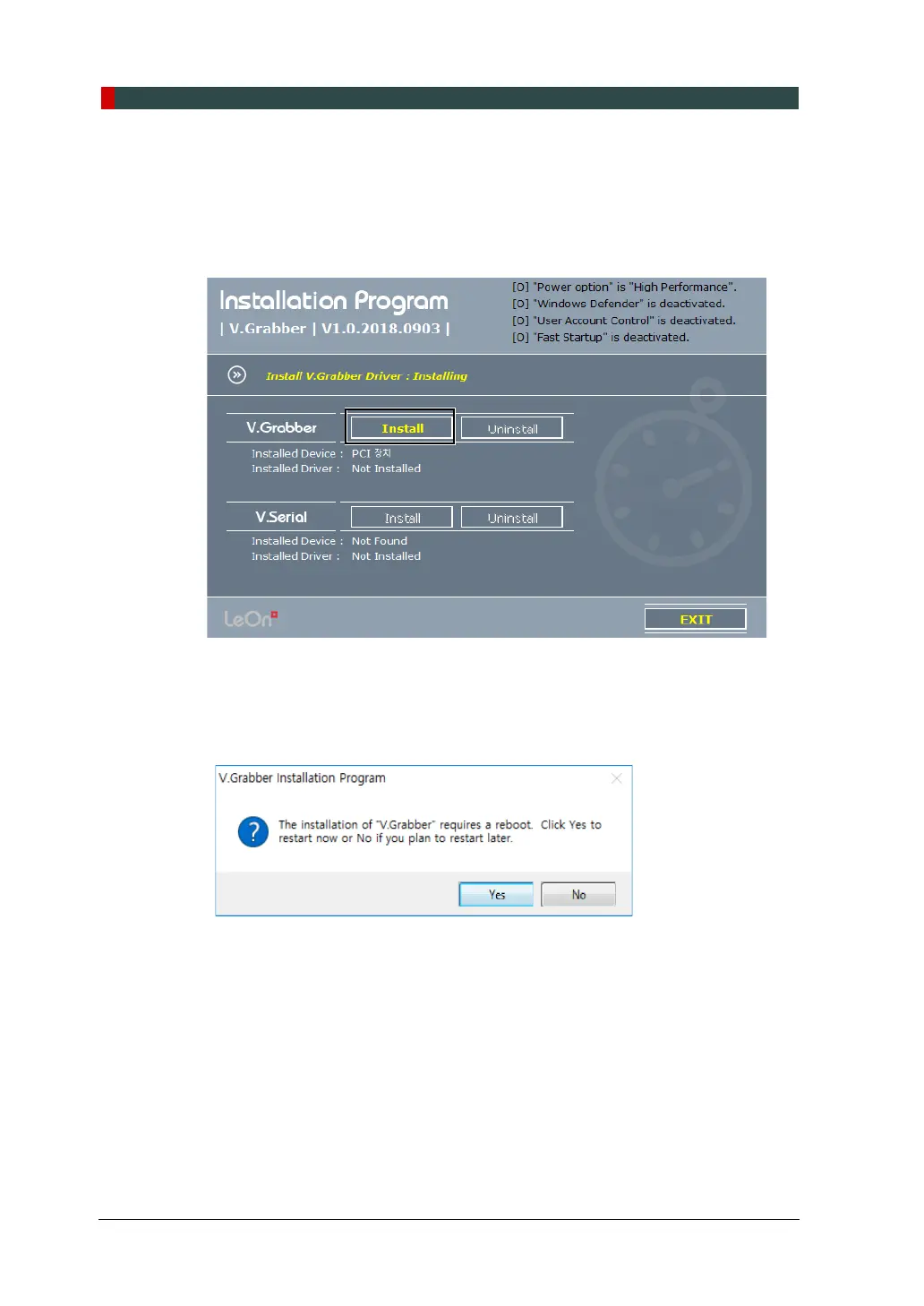
2. Press the V.Grabber’s Install button.
3. The installation is completed, and the V.Grabber Installation Program window
appears. Click the Yes button to immediately reboot or the NO button to reboot
later.














 To Next Page