9. Installing Software
Green 16/18 Installation Manual 127
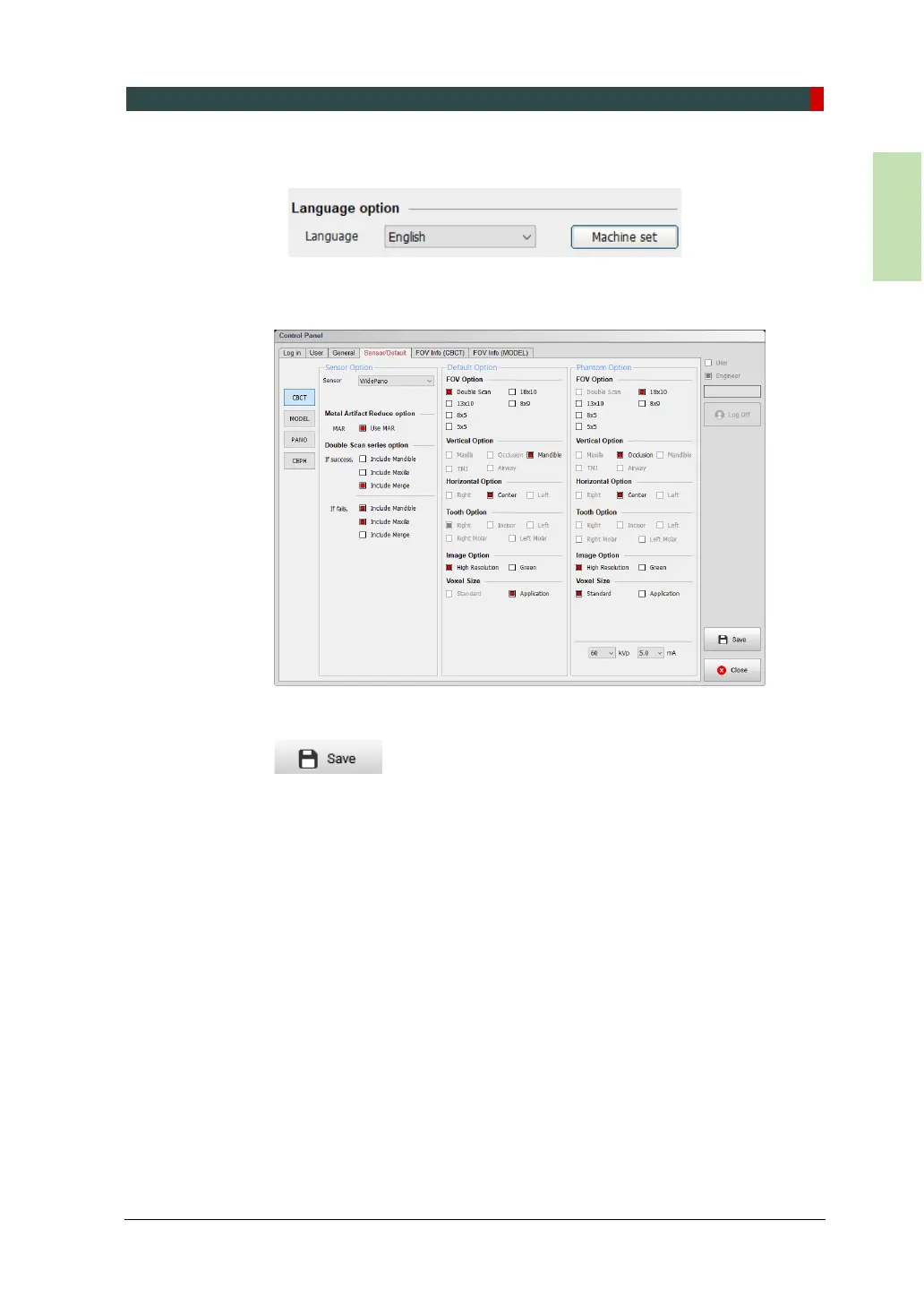
5. Select the language and click Machine set to save your choice.
6. Click the Sensor and Default tab. On this tap, you can set variables for each imag
ing mode.
7. When selecting options on each menu, click Save to confirm your choice.
8. Click Close to exit the control panel and restart the computer to apply the new set
tings.














 To Next Page