3. Before Installing the System
28 Green 16/18 Installation Manual
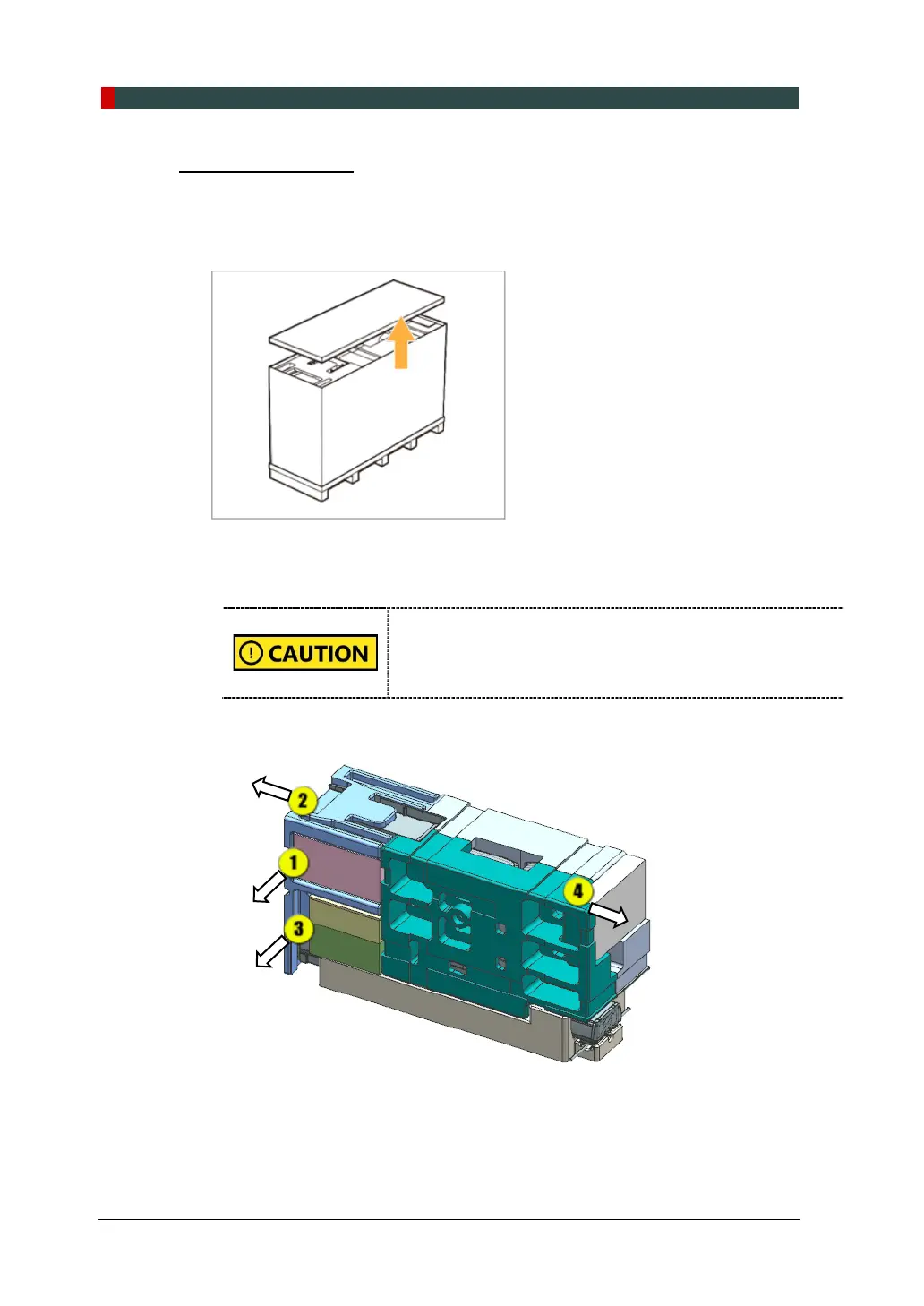
Removing the Cover
1. Move the main box to a convenient place as close as possible to the installation
location.
2. Separate the top cover after removing the strapping bands.
3. Lift a small distance remove the side covers.
4. Remove the plastic wrap covering the box by using a cutter.
When you are removing the side cover, another person must
hold the box to prevent the parts from falling.
5. Remove the component boxes and packing materials in the sequence, as
shown in the figure.
① PC Box
② Main Bottom EPS
③ Accessory Box #1, #2
④ Monitor Box














 To Next Page