9. Installing Software
104 Smart Plus (PHT-35LHS) Installation Manual
Installing the DICOM Viewer
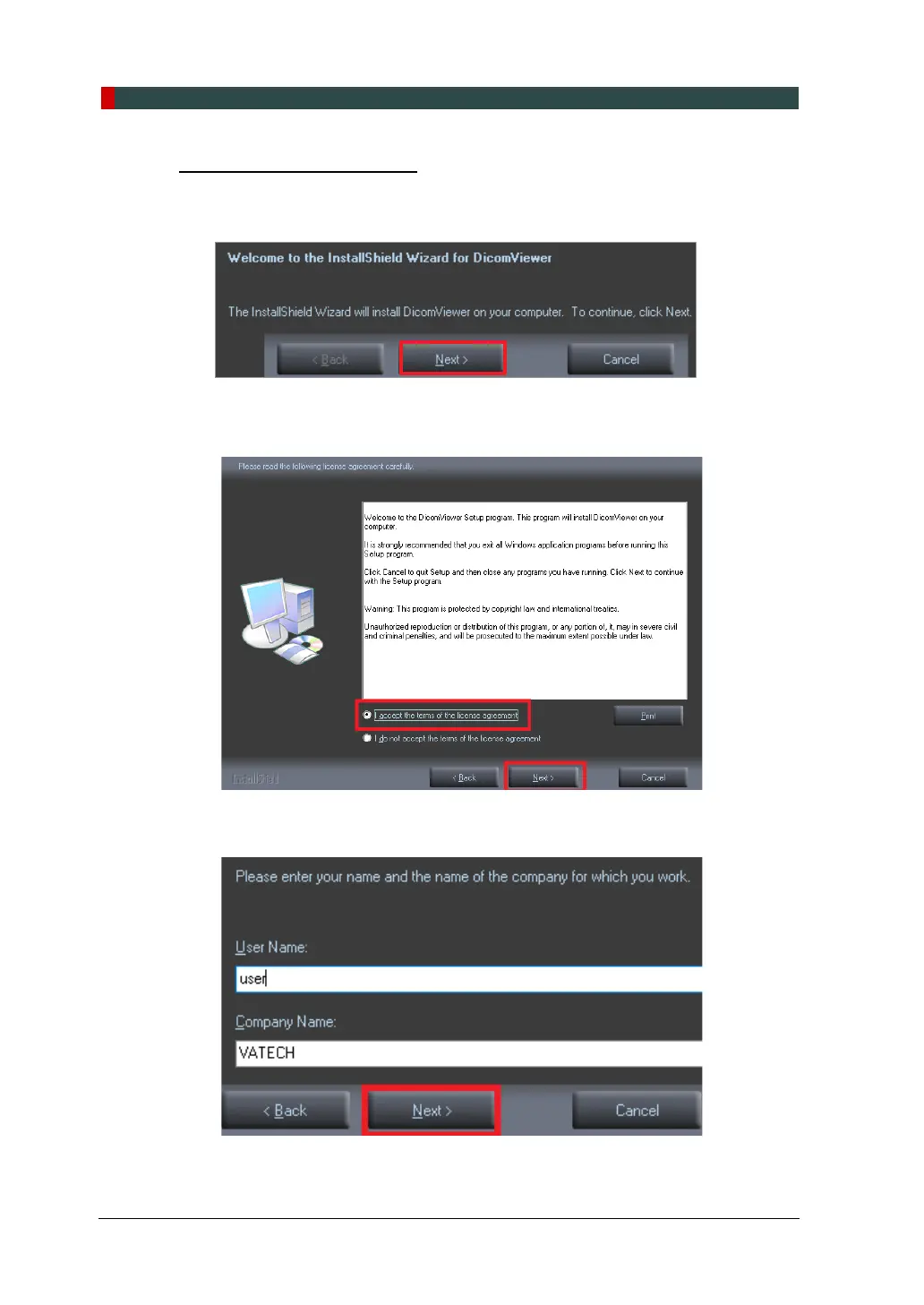
1. After completing basic settings, the DICOM Viewer installation will be started.
Click Next in the Welcome window.
2. Select “I accept the terms of the license agreement” and click Next.
3. Enter the User Name and clinic and click Next.














 To Next Page