4. Installing the Equipment: Base Stand (Optional)
48 Smart Plus (PHT-35LHS) Installation Manual
4.3 Installing the Wall and Column Brackets
Assembling the Column Bracket
The column bracket must be properly installed. Otherwise,
the equipment may be shaken during the scanning.
1. Move the equipment to the installation site near the wall.
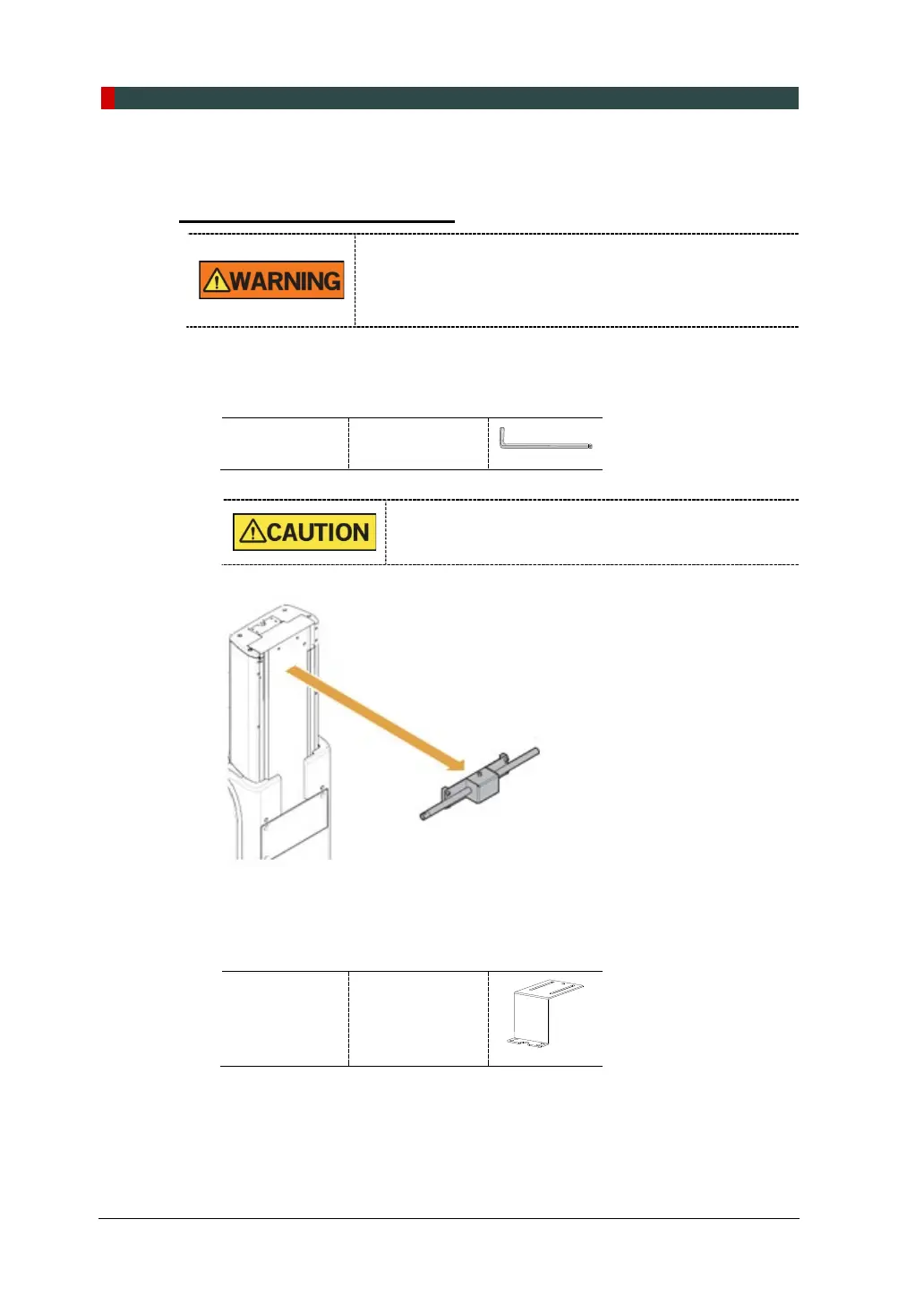
2. Remove the lower carrying handle.
Allen Wrench 8 mm / 0.31”
One installer should hold the handle, while the other
is removing the bolts.
3. Remove the plastic wrap covering the column unit by using a cutter.
4. Prepare the column bracket.
Column
Bracket
(Part. No. 22)














 To Next Page