4. Installing the Equipment: Base Stand (Optional)
Smart Plus (PHT-35LHS) Installation Manual 57
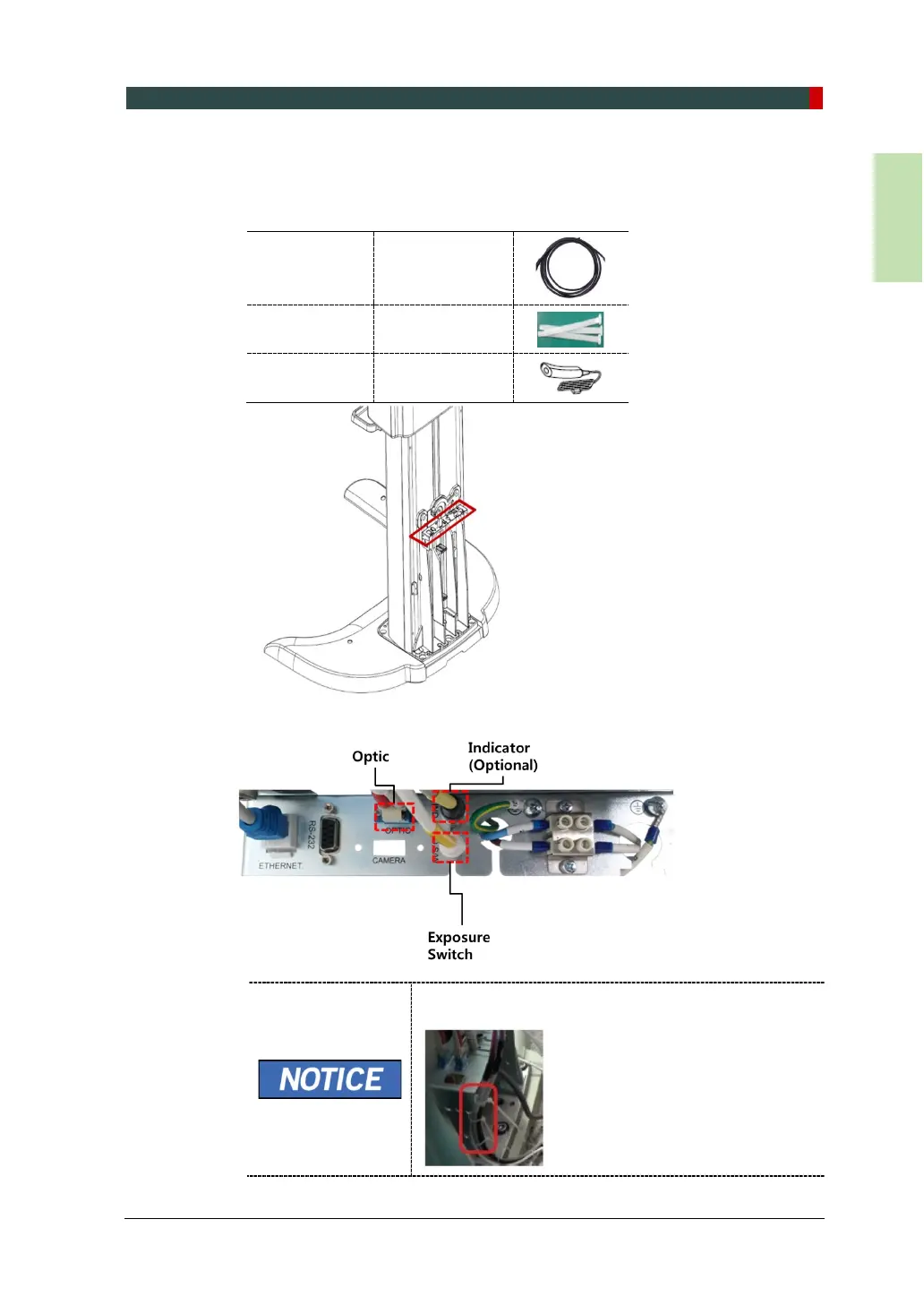
4.5 Connecting the Cables to the Equipment.
1. Connect the cables in the back of the column as shown in the figure.
Optic Cable
Cable No.
H000014A
(Part No. 21)
Cable Tie (Part No. 20)
Exposure
Switch
(Part No. 2)
Use the Cable Tie (Part No. 20) to fix the cables as
shown below after the connection is completed.














 To Next Page