9. Installing Software
Smart Plus (PHT-35LHS) Installation Manual 113
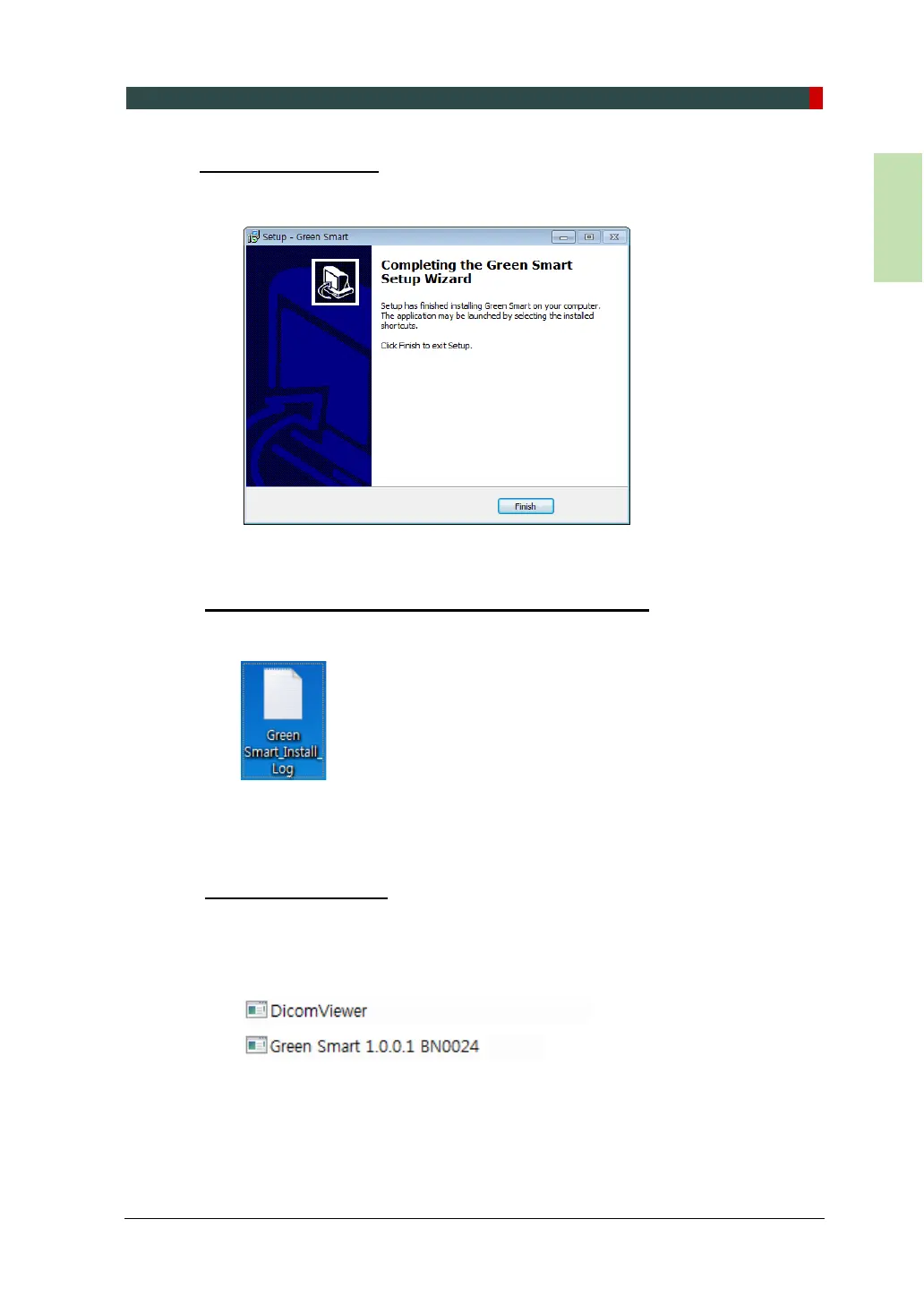
Finishing Installation
1. The installation has just been completed. Click Finish and restart the PC.
Verifying that All Components are Properly Installed
1. Locate the file: Smart Plus_Install_Log.txt on the desktop.
2. Open it to check the file. You can find out that all components are installed.
3. Go to section 9.5 Setting up the User-specific Information.
Uninstalling Software
1. Open the Start screen, type Uninstall a Program in the search box.
2. Find the programs you want to uninstall and double-click the program to
uninstall.
3. When you are asked if you want to continue, click Yes or OK and follow the
prompts to finish the uninstallation.














 To Next Page