9. Installing Software
Smart Plus (PHT-35LHS) Installation Manual 123
Initiating the Imaging Program
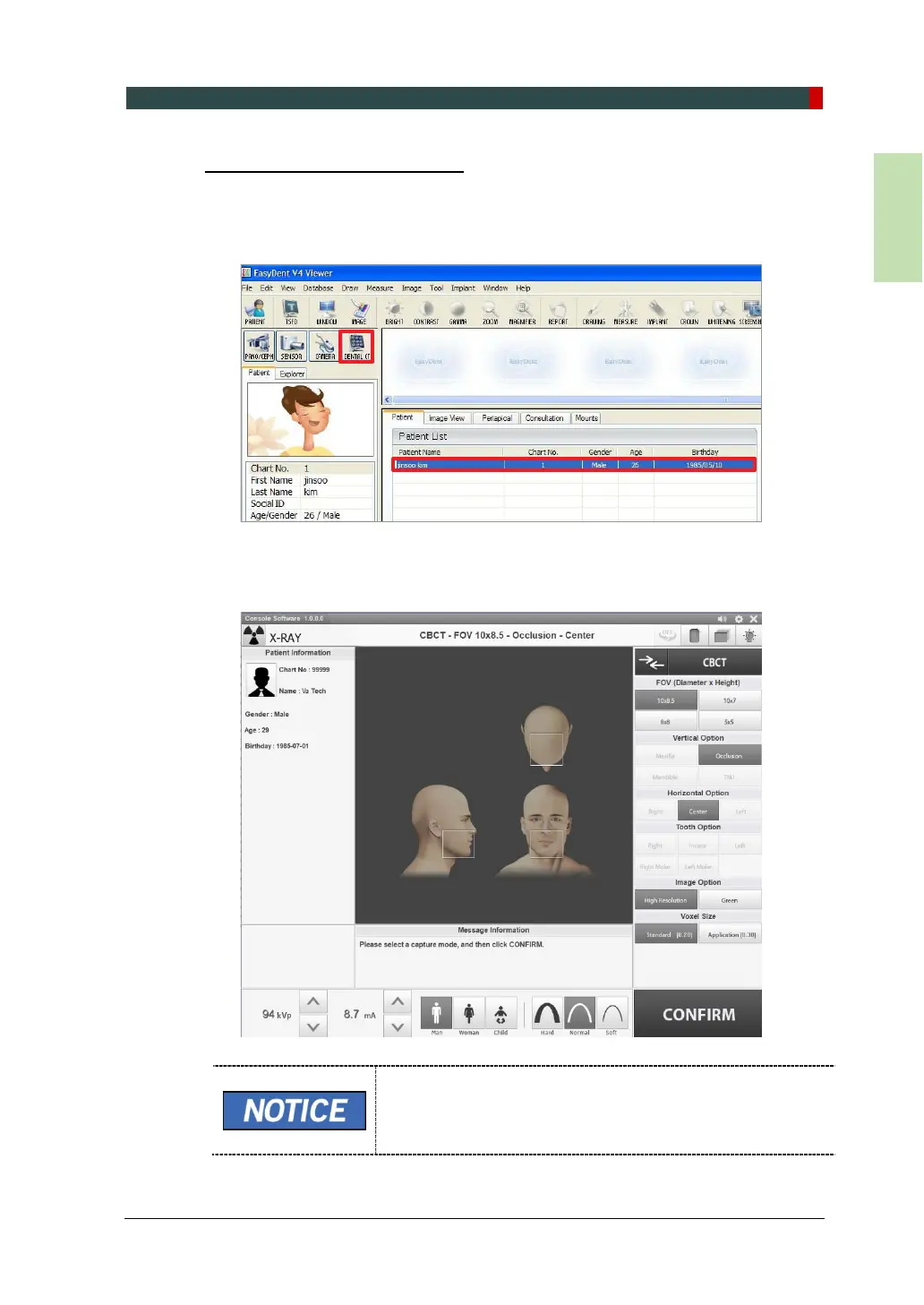
1. First, click on the patient information in the Patient List, and click on the imaging
modality button on the upper left corner of EasyDent’s main window to open the
imaging program.
2. The main screen of the selected mode is displayed. From the main screen, you
can configure the imaging parameter settings before acquiring an image.
The error code E033 indicates that the equipment is still in
packing mode. It should disappear after the command for
disabling the packing mode has been executed. For details,
refer to 'Disabling the Packing Mode' on page 135.














 To Next Page