4. Installing the Equipment: Base Stand (Optional)
Smart Plus (PHT-35LHS) Installation Manual 41
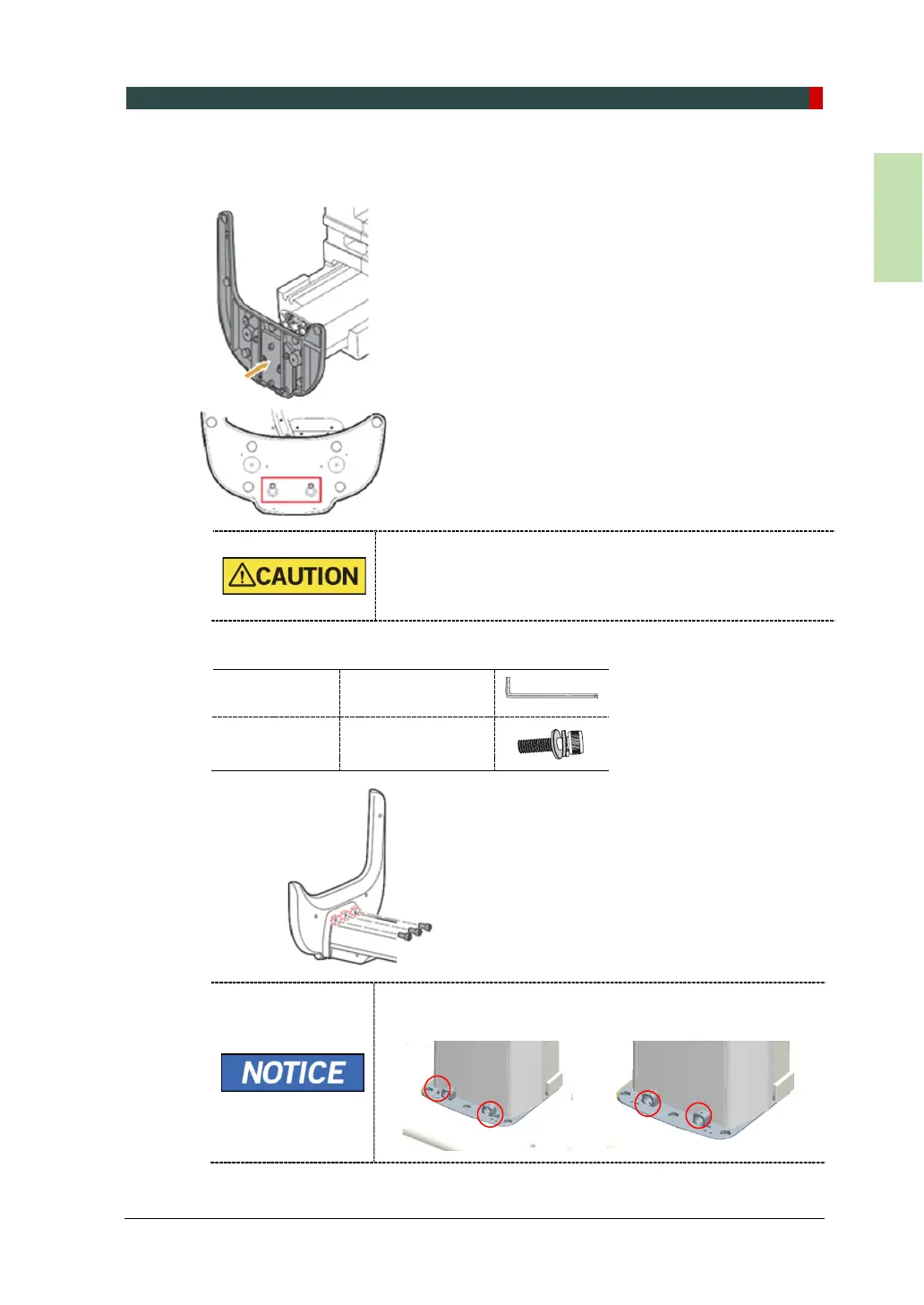
3. Put the base unit to the column unit by engaging the base holes in the bolts as
shown in the figure.
Hold the base unit to keep it from falling.
4. Put the base unit to the column unit by engaging the base holes in the bolts as
shown in the figure.
Allen Wrench 6 mm / 0.24”
Wrench Bolt
M10 x 25 - 3 pcs
(Part No. 23)
If you do not use the base during the installation, remove 2
pcs of Truss bolts while installing the front cover as below.














 To Next Page