5. Installing the Equipment: Wall Mount
Smart Plus (PHT-35LHS) Installation Manual 71
Combining Column and Wall Brackets
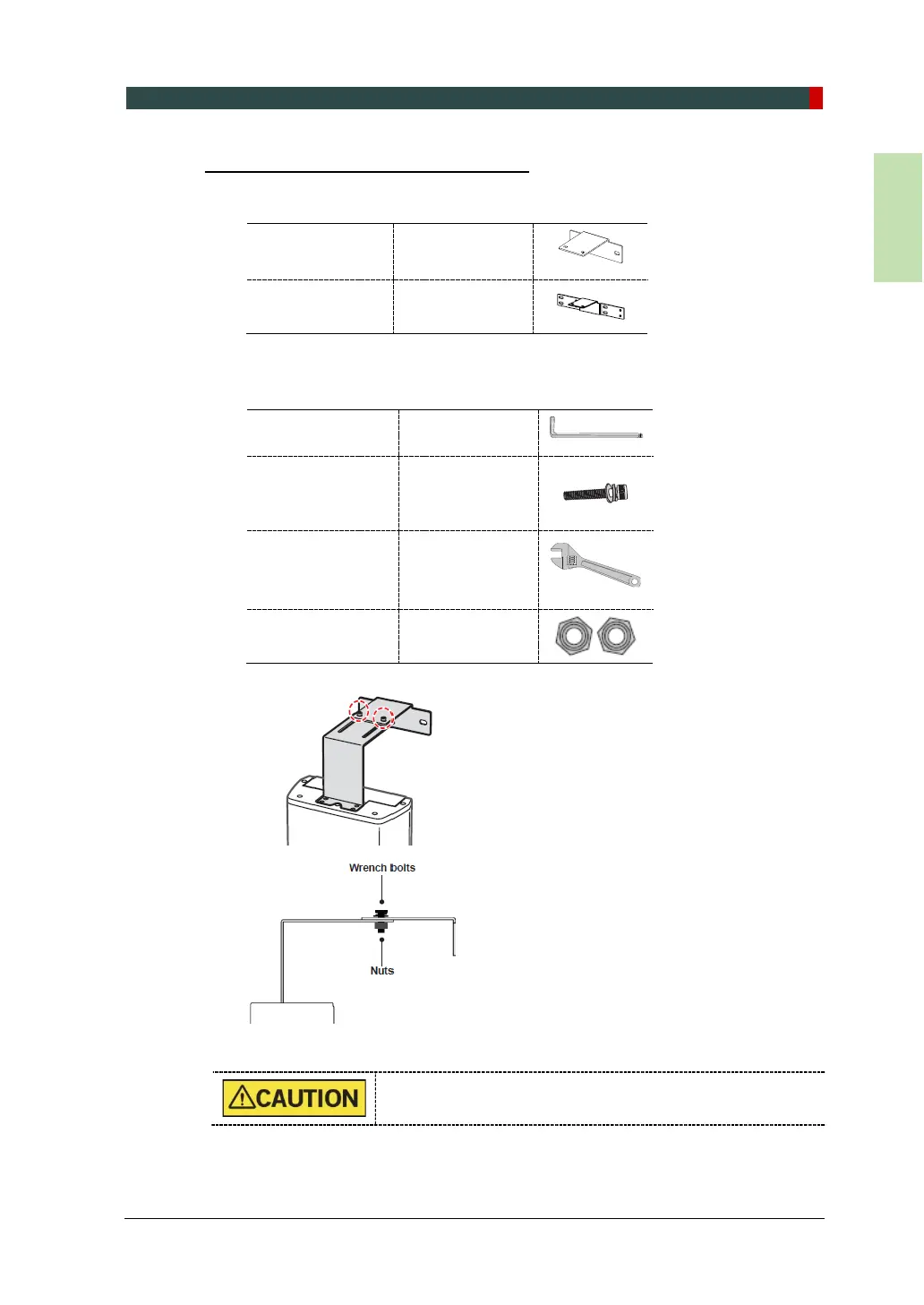
1. Prepare the wall bracket.
Wall Bracket (Part No. 36)
Wall Bracket
(for Wood Wall)
Optional
(Part No. 37)
2. Combine the column and wall brackets in the following manner with the 2 wrench
bolts.
Allen Wrench 6 mm / 0.24”
Wrench Bolt
Spring and Flat
Washers
Monkey Wrench N/A
Nut
M8 - 2 pcs
(Part. No. 35)
DO NOT tighten the bolts fully yet.














 To Next Page