6. Completing Miscellaneous Works
80 Smart Plus (PHT-35LHS) Installation Manual
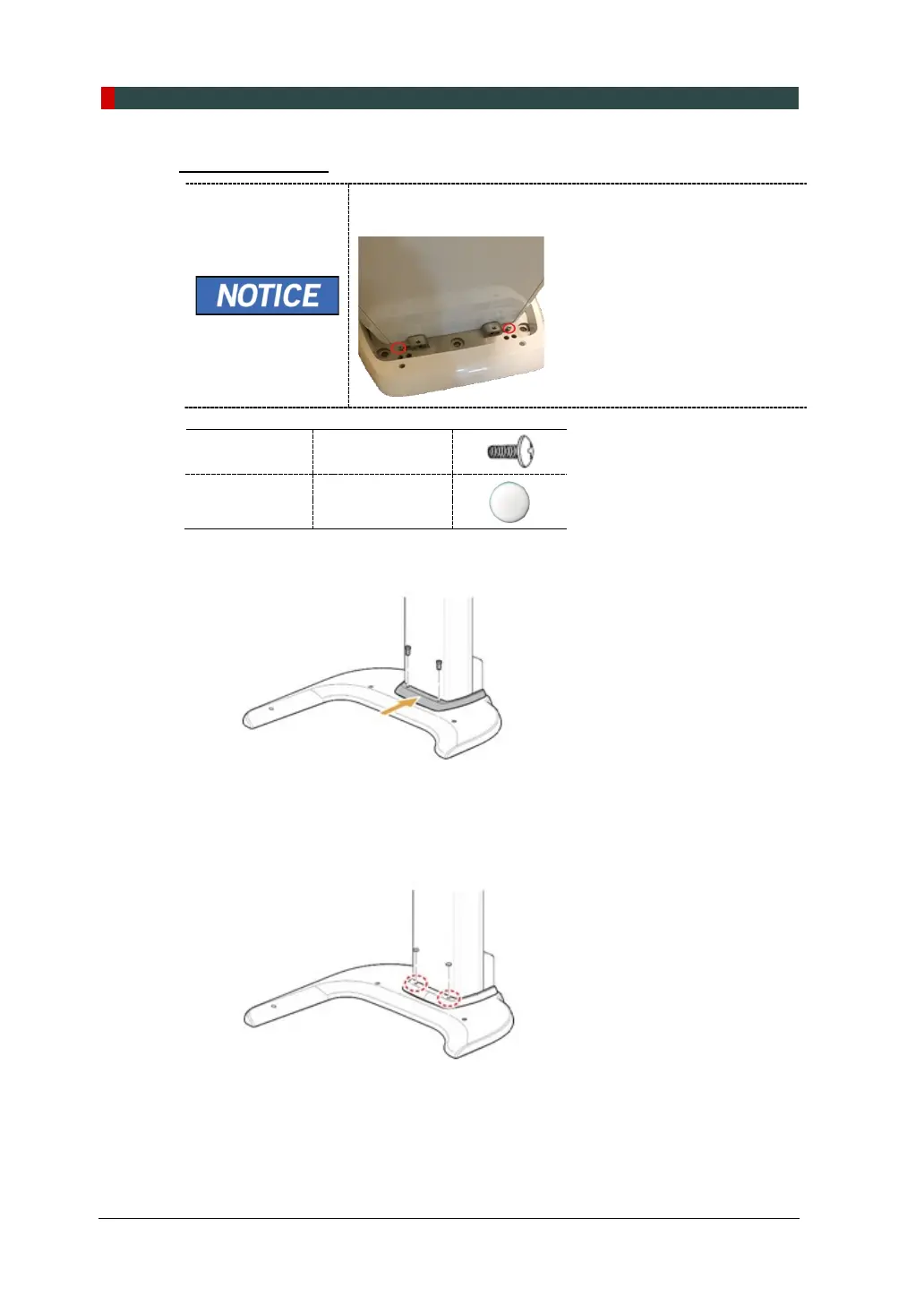
Base Front Cover
If you do not use the base during the installation, remove 2
pcs of Truss bolts while installing the front cover as below.
Truss Bolt
M4 x 8 – 2 pcs
(Part No. 27)
Silicon Cap
2 pcs
(Part No. 16)
1. Assemble the base cover and fix it with two Truss Bolts.
2. Cover 3 holes on the base with two white Silicon Caps.














 To Next Page