VECTRIX VX-2 SERVICE MANUAL
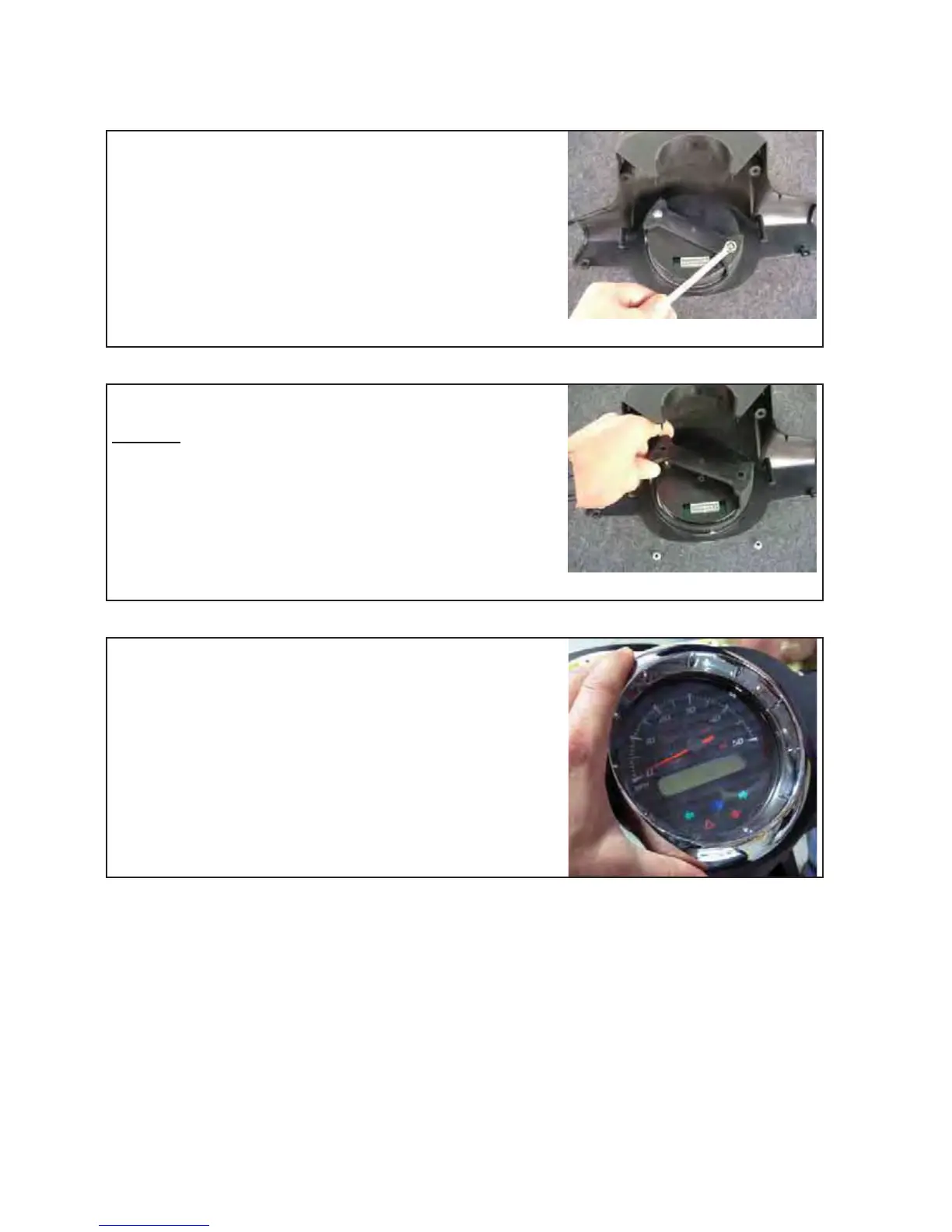
Unscrew both nuts with 8mm open wrench
Remove the plastic bracket
Remark:
On the underside of the plastic bracket there
are two plastic noses which fit into two holes of
the plastic cover. These noses fixed the
Speedometer in the right position.
Carefully remove the Speedometer out of the plastic cover
Assemble all parts in the opposite directions
Test functions of speedometer
Version 1.0/May 2011
VECTRIX, LLC


 To Next Page