VECTRIX VX-2 SERVICE MANUAL
SECTION C-5:
HANDLEBAR-RIGHT SWITCH ASSEMBLY
Preparations:
Disassemble Front Fairing see Section B-1
Disassemble Front Console Cover see Section B-2
Disassemble Vertical Panel Cover-Lower see Section B-4
Disassemble Vertical Panel Cover-Upper see Section B-5
(If newer VX-2 model) Remove Front Console Cover for ICM see Section B-2
Remove all cable strips
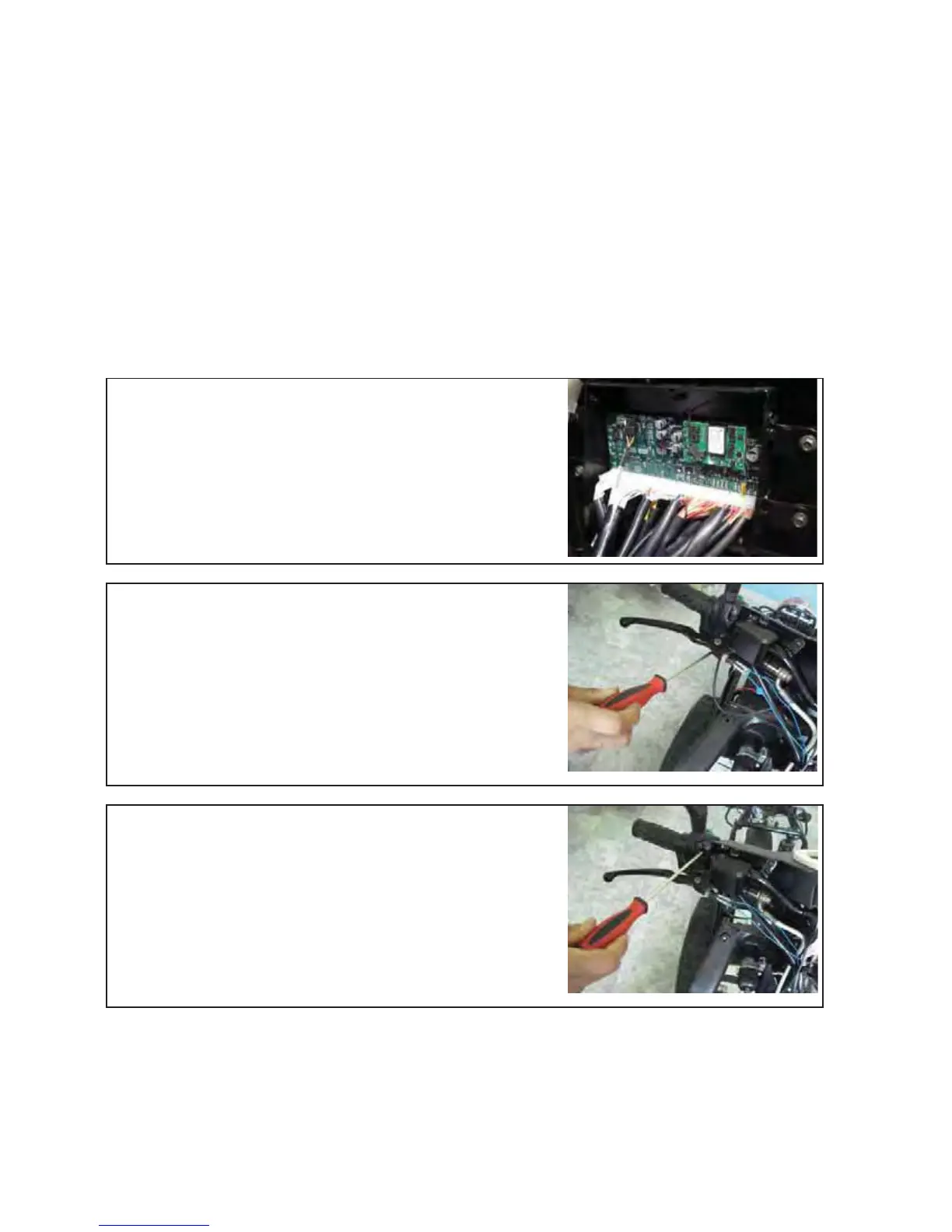
Open connector CN3 from the Interface Control Module
(ICM)
Additional information see Section 1 of F-1
Unscrew the Phillips screw with a Phillips screwdriver PH2
Unscrew the Phillips screw with a Phillips screwdriver
PH2
Remove the Right Switch assembly
Assemble all parts in the other direction
Test functions of Right Switch assembly
Version 1.0/May 2011
VECTRIX, LLC


 To Next Page