VECTRIX VX-2 SERVICE MANUAL
SECTION B-10:
REAR SIDE BODY PANELS + SIDE EMBLEM REPLACEMENT
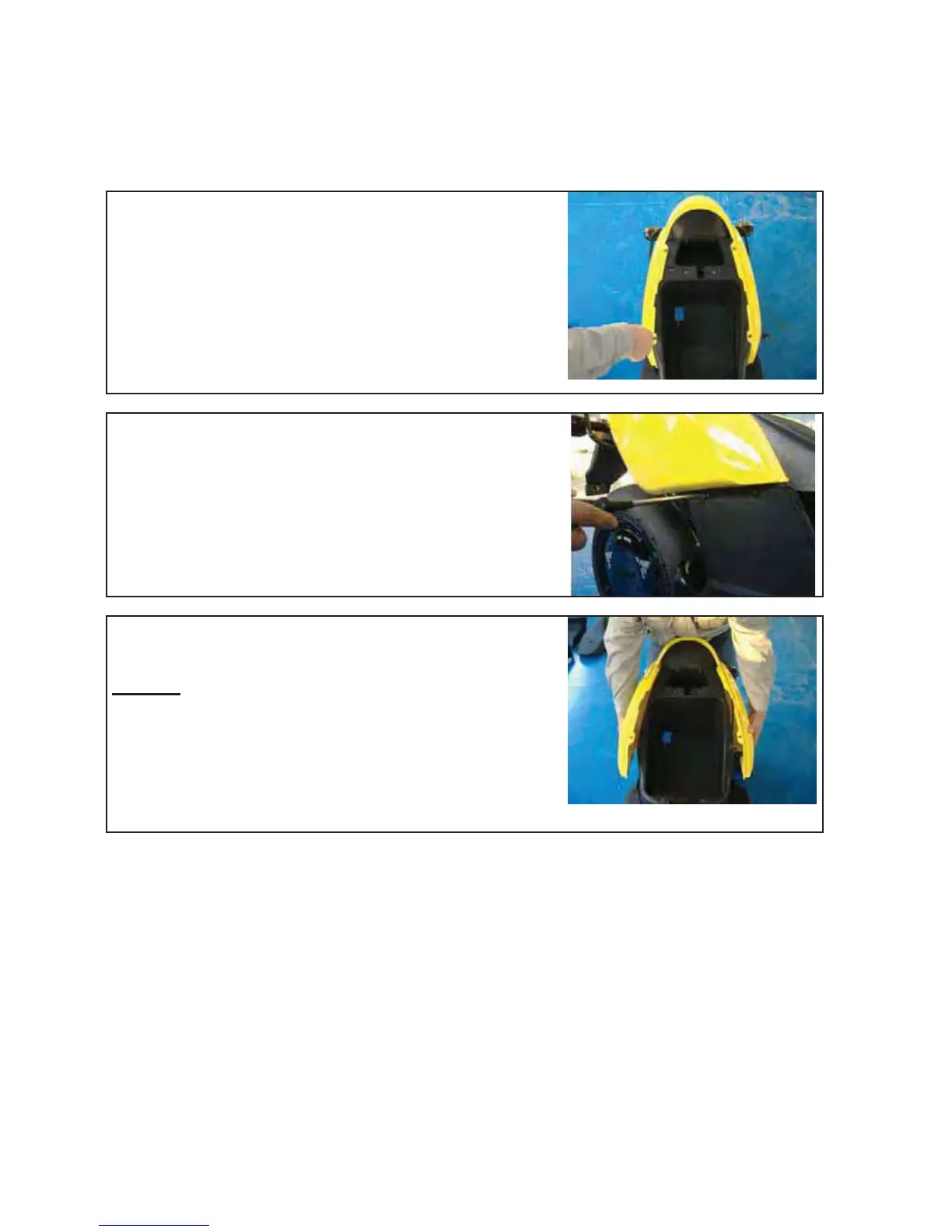
Unscrew the four Phillips screws (top left and right
position) with a Phillips screwdriver PH2
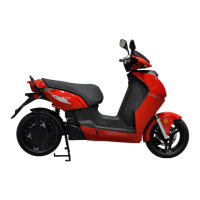
Unscrew the four Phillips screws (left and right position)
with a Phillips screwdriver PH2
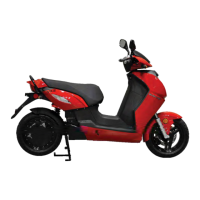
Carefully pull out left and right side until the cover can
easily lift up
Remark:
Be careful for the left side because there is
the seat lock
Version 1.0/May 2011
VECTRIX, LLC


 To Next Page