VECTRIX VX-2 SERVICE MANUAL
SECTION C-10:
SIDE STAND SWITCH
Preparations:
Disassemble Center Step-Through Cover see Section B-6
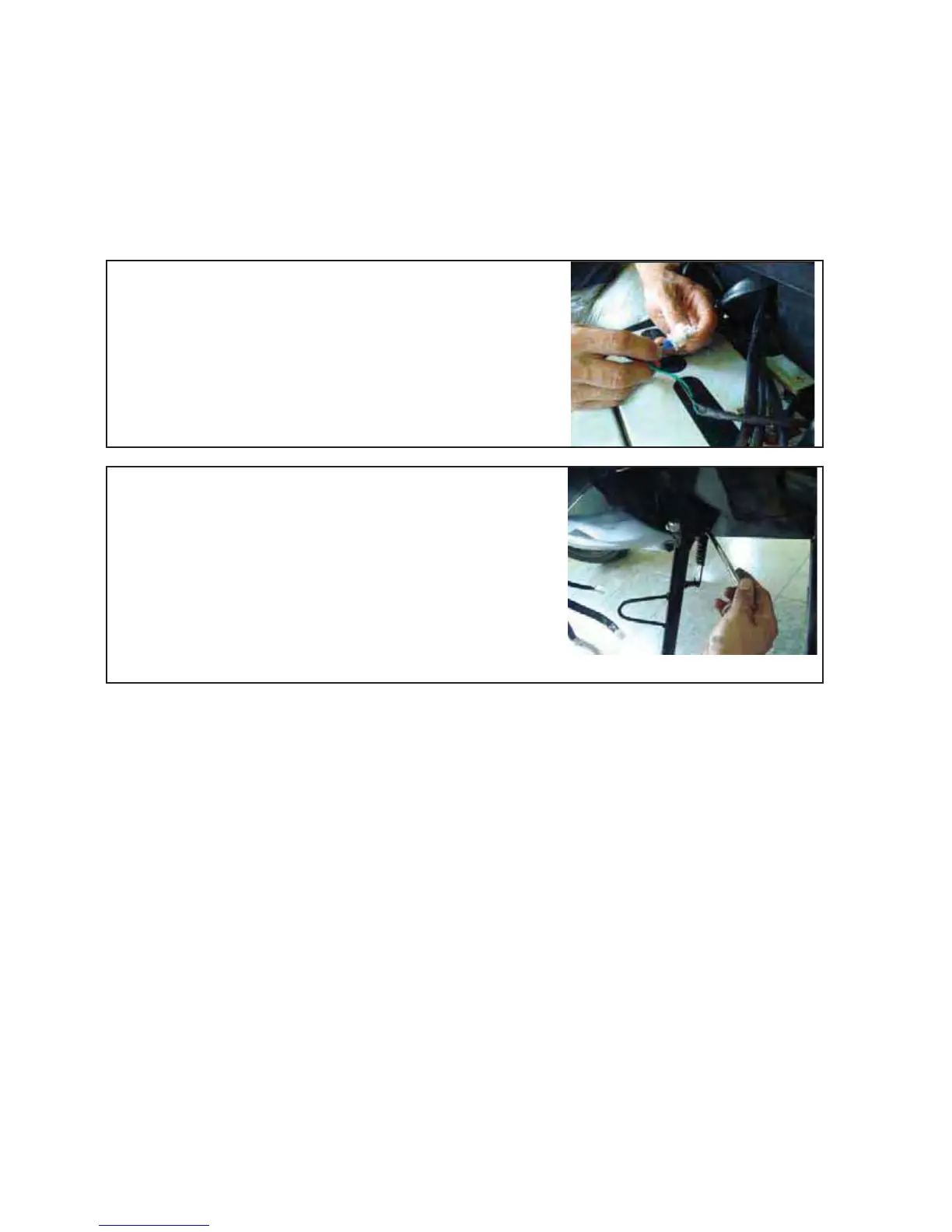
Remove the connector inside of the electronic box
under the seat
Unscrew the bolt by 8mm open end wrench
Assemble all parts in the opposite directions
Test function of Side Stand Switch
Version 1.0/May 2011
VECTRIX, LLC



 To Next Page