VECTRIX VX-2 SERVICE MANUAL
SECTION B-4:
FRONT VERTICAL PANEL COVER-LOWER
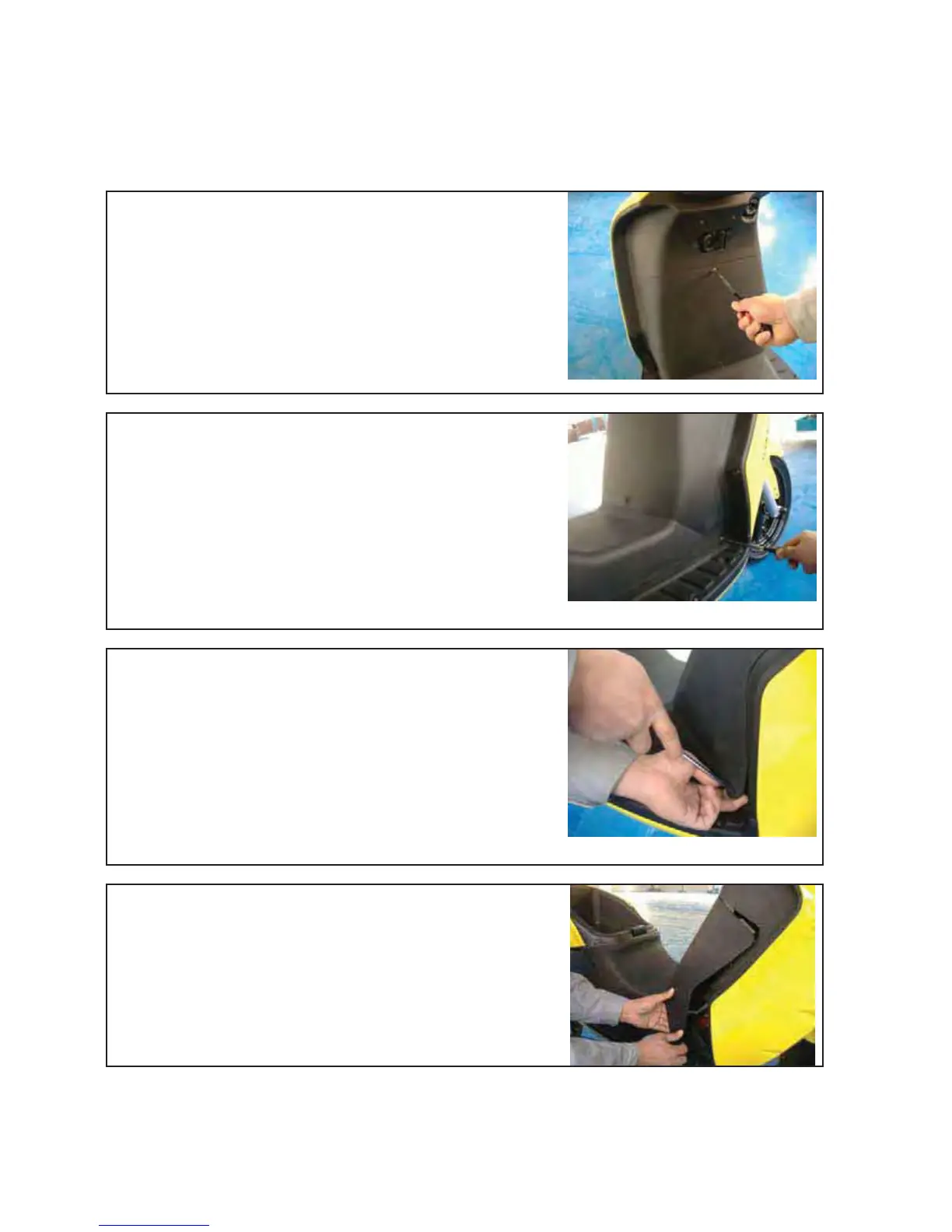
Unscrew the two Phillips screws (up and down position)
with a Phillips screwdriver PH2
Unscrew the two Phillips screws (right and left position)
with a Phillips screwdriver PH2
Slide a Phillips screwdriver PH2 into the hole and pull out
carefully the cover to the left. The fingers holding the cover
and pull backwards
Carefully push back the cover more and more
Version 1.0/May 2011
VECTRIX, LLC



 To Next Page