VECTRIX VX-2 SERVICE MANUAL
SECTION B-6:
CENTER STEP-THROUGH COVER
Preparations:
Disassemble Seat see Section B-8
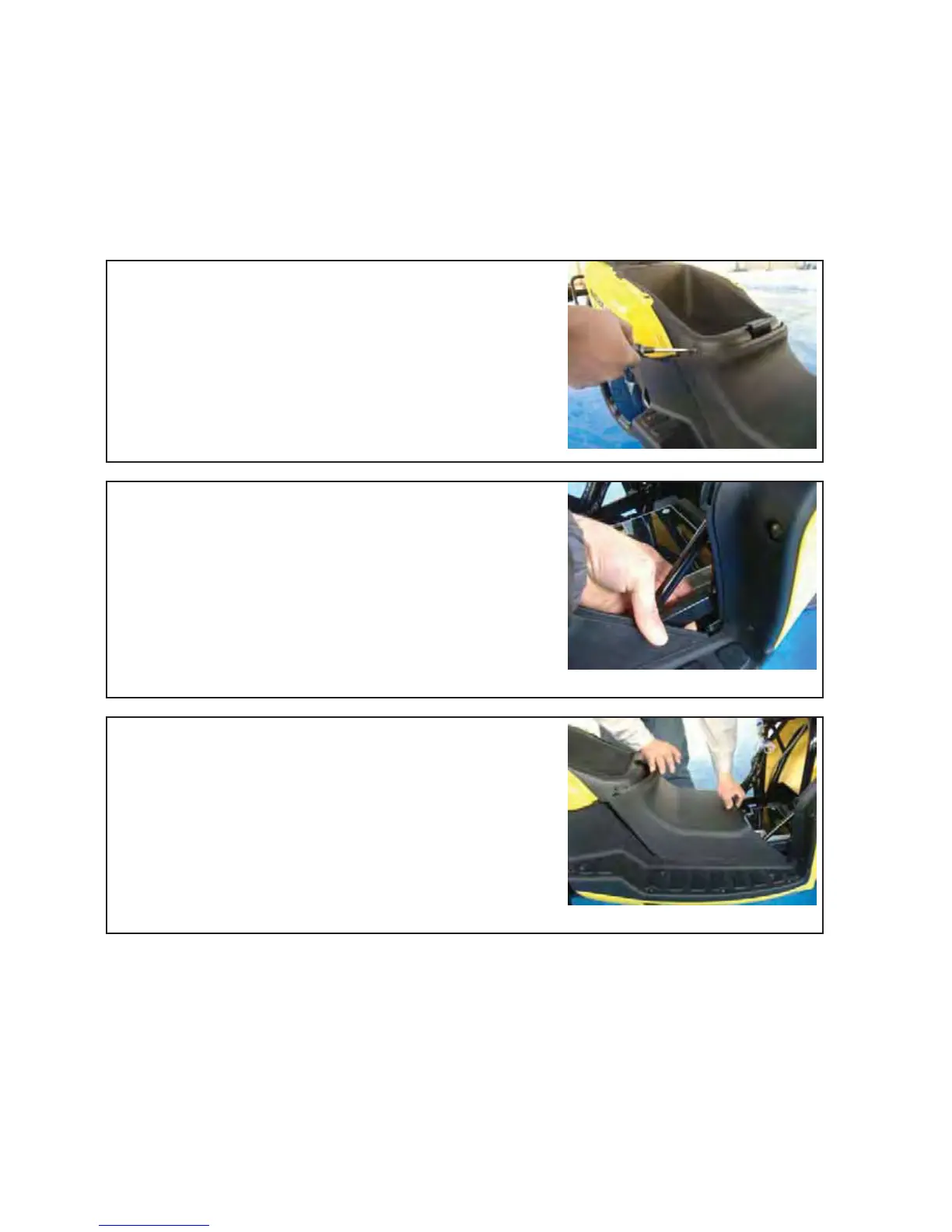
Unscrew the two Phillips screws (left and right position)
with a Phillips screwdriver PH2
Slightly press out left and right side of the cover so that
they can pass the metal holder
Carefully move the cover forward until the cover can easily
be taken out
Version 1.0/May 2011
VECTRIX, LLC



 To Next Page