© 2009 Verizon. All Rights Reserved.
59
Verizon Hub User Guide
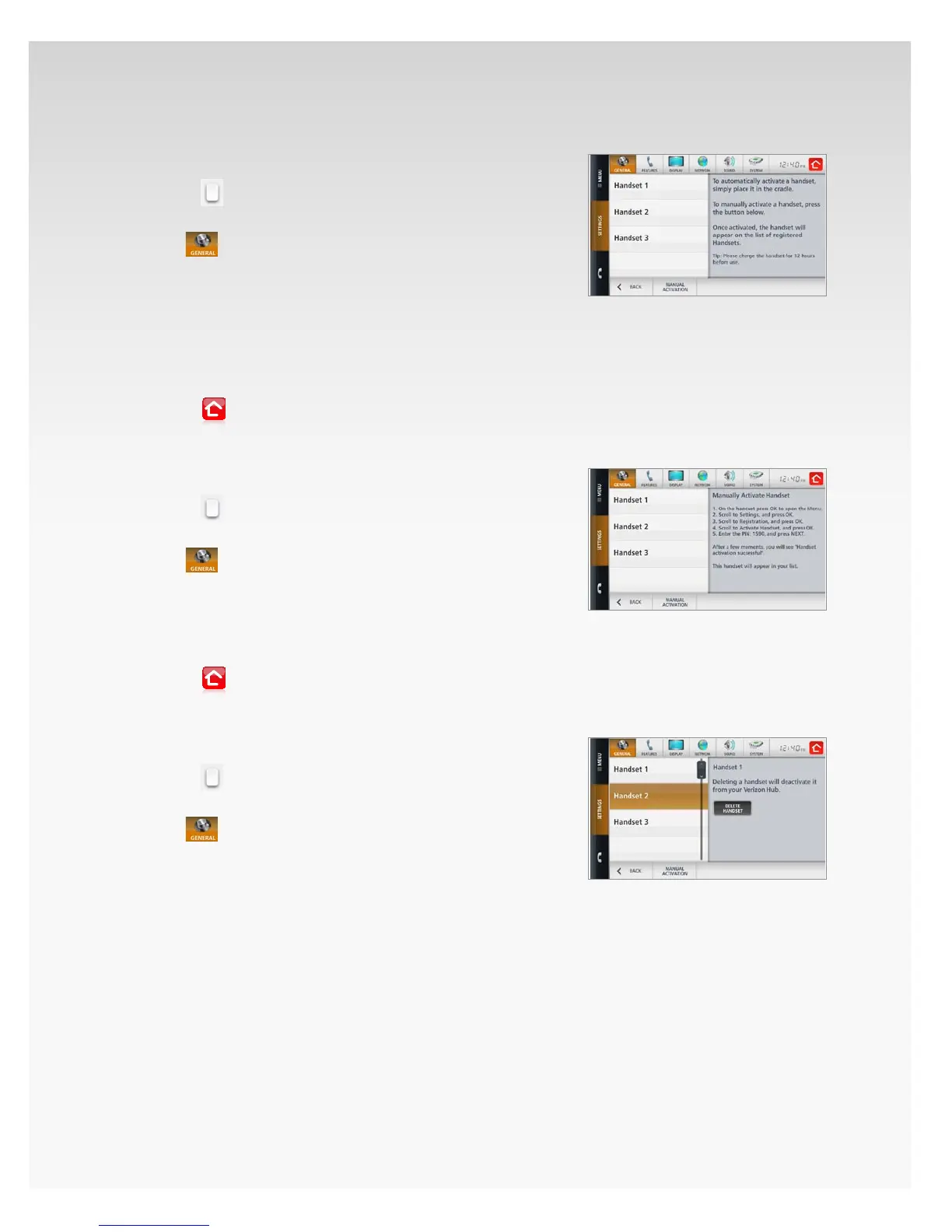
Activate Handset Automatically.
Touch 1. Menu.
Touch2.
.
Touch 3. Settings.
The4.
section will open, showing Weather.
Touch 5. Handsets.
To automatically activate the handset, place the handset 6.
in the cradle with the screen facing outward. Once the
handset is activated, it will appear on the list here
in Settings.
A conrmation message will appear. Touch 7. OK.
Touch8.
to return Home.
Activate Handset Manually.
Touch 1. Menu.
Touch2.
.
Touch 3. Settings.
The4.
section will open, showing Weather.
Touch 5. Handsets.
Touch 6. Manual Activation.
Follow the instructions on the screen.7.
A conrmation message will appear. Touch 8. OK.
Touch9.
to return Home.
Delete Handset.
Touch 1. Menu.
Touch2.
.
Touch 3. Settings.
The4.
section will open, showing Weather.
Touch 5. Handsets.
Touch the 6. Handset you want to delete.
Touch 7. Delete.
A conrmation message will appear. Touch 8. Yes.
The handset will be deactivated. It will no longer work with your
Verizon Hub unless you choose to activate it again.














 To Next Page