© 2009 Verizon. All Rights Reserved.
79
Verizon Hub User Guide
Remove Station From My Favorites.
Touch 1. Menu.
Touch2.
to locate Internet Radio.
Touch 3. Internet Radio.
Touch 4. My Favorites to view a list of stations.
Select the 5. radio station you want to remove,
and it will begin to play.
Touch 6. Delete.
A conrmation message will appear. Touch 7. Yes.
The station will be removed from My Favorites 8.
but will still appear in the iheartradio.com list.
Touch 9. Back to return to the previous screen.
Touch10.
to return Home.
Photo Viewer.
You must rst download Photo Viewer as described
in the Download Apps section.
View Album.
Touch 1. Menu.
Touch2.
to locate Photo Viewer.
Touch 3. Photo Viewer.
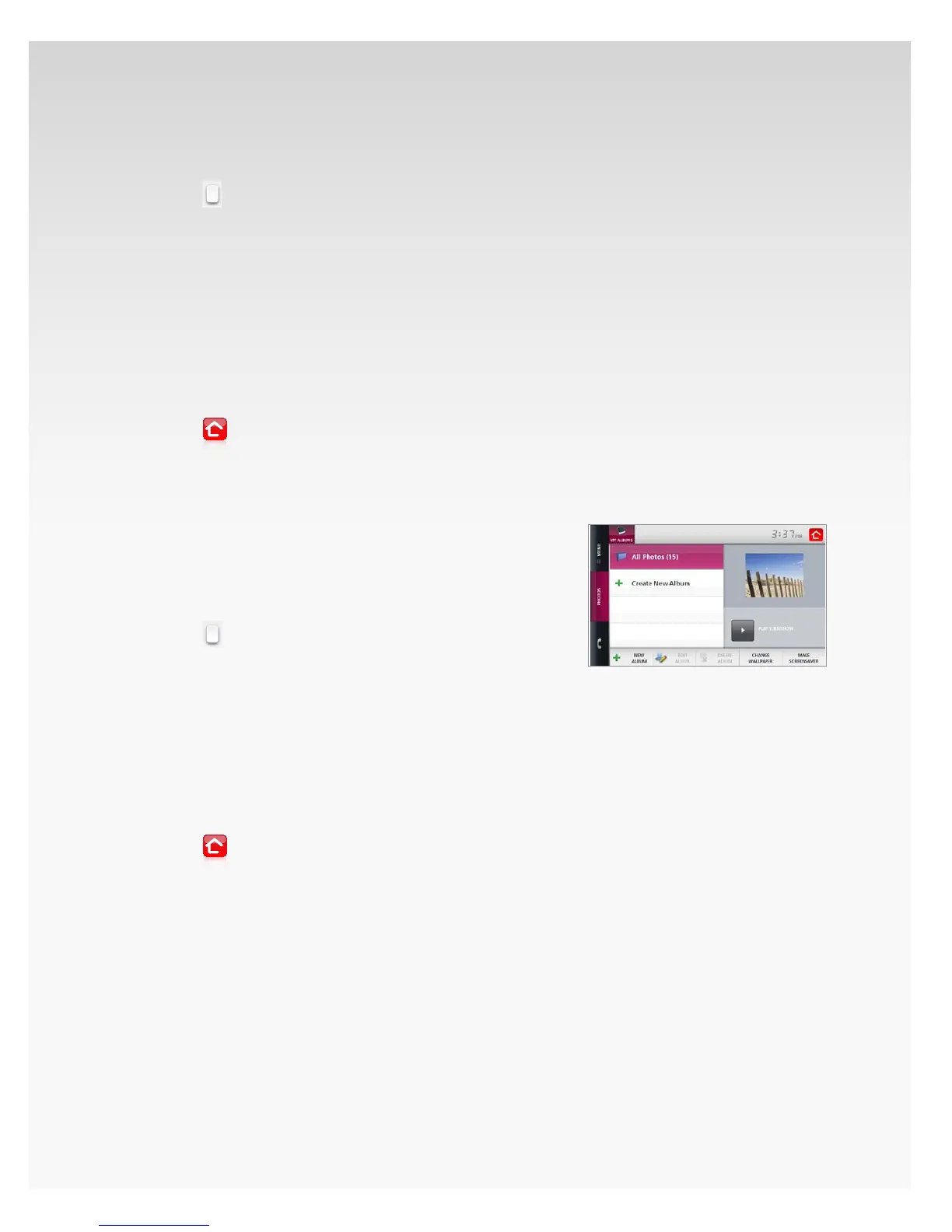
You will see a list of available photo albums.4.
Touch the 5. album you want to view and the
rst photo will appear on the right.
Touch that 6. photo to open the album.
Touch 7. Options to Play Slideshow or Save
the selected photo as your Wallpaper.
Touch 8. Back to return to the previous screen.
Touch9.
to return Home.














 To Next Page