© 2009 Verizon. All Rights Reserved.
75
Verizon Hub User Guide
•
to pause the Ringtone.
•
to replay the Ringtone from the beginning.
When you’re done, touch8.
.
Touch9.
to return Home.
Your new Ringtone will be eective immediately.
System.
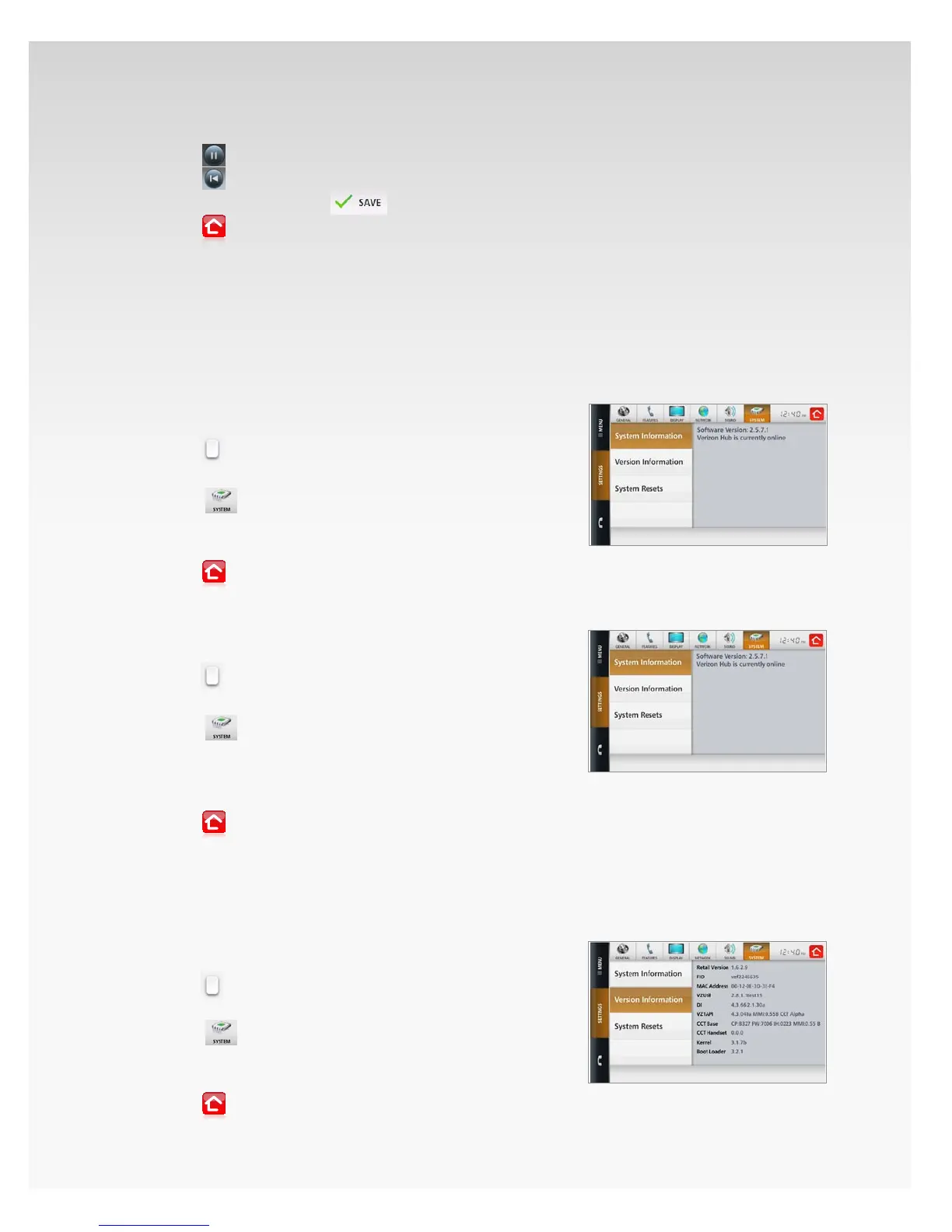
System Information.
View System Information.
Touch 1. Menu.
Touch2.
.
Touch 3. Settings.
Touch4.
.
Touch 5. System Information.
The Software Version will be listed.6.
Touch7.
to return Home.
Check if Verizon Hub is Online.
Touch 1. Menu.
Touch2.
.
Touch 3. Settings.
Touch4.
.
Touch 5. System Information.
If you’re connected to your home network, the screen 6.
will say: Verizon Hub is currently online.
Touch7.
to return Home.
Version Information.
View Version Information.
Touch 1. Menu.
Touch2.
.
Touch 3. Settings.
Touch4.
.
Touch 5. Version Information.
All the Verizon Hub 6. Version Information will be listed.
Touch7.
to return Home.














 To Next Page