© 2009 Verizon. All Rights Reserved.
62
Verizon Hub User Guide
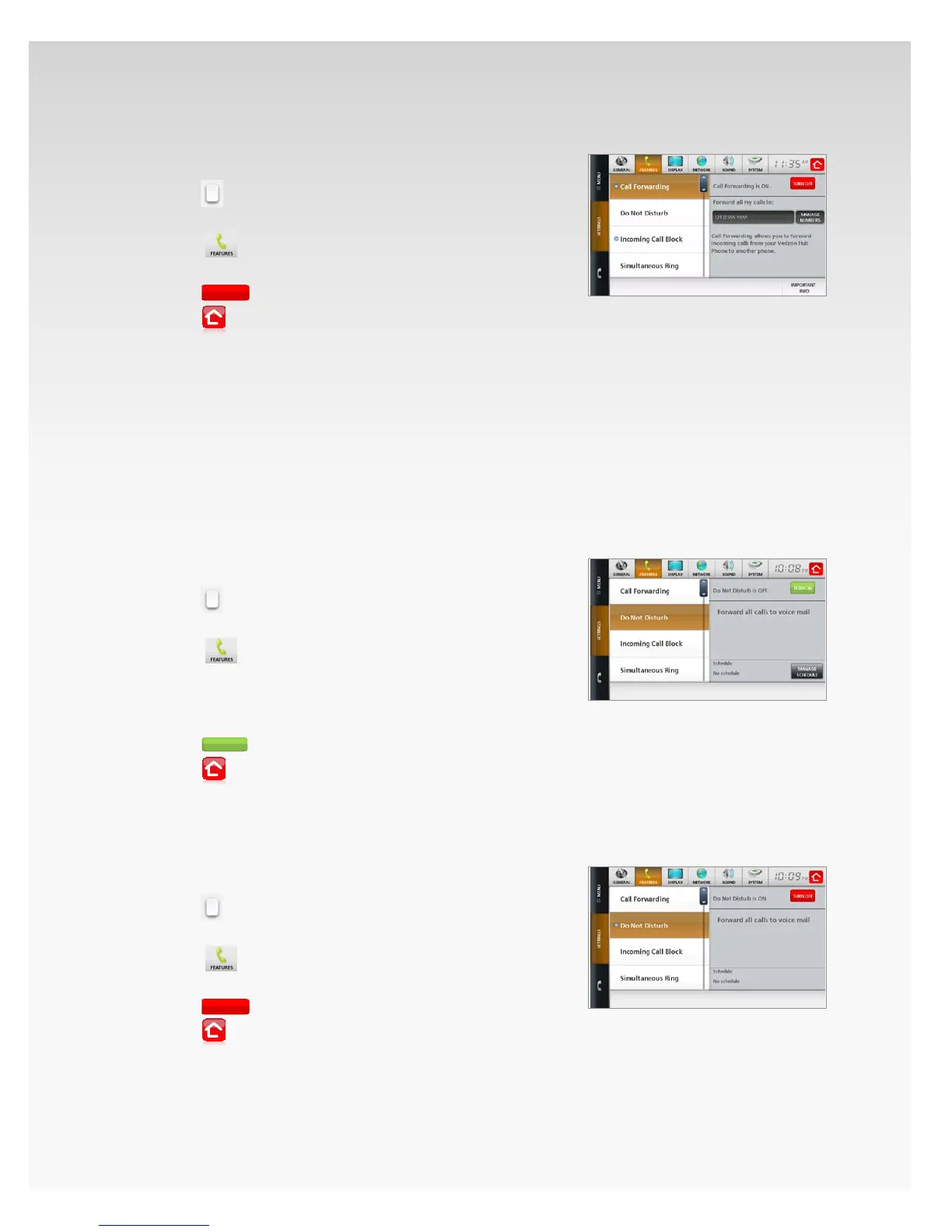
Turn O Call Forwarding.
Touch 1. Menu.
Touch2.
.
Touch 3. Settings.
Touch4.
.
Touch 5. Call Forwarding.
Touch6.
.
Touch7.
to return Home.
Your calls will no longer be forwarded until reactivated.
Do Not Disturb.
You can choose to send all calls directly to Voice Mail when you
don’t want to be disturbed. You can also schedule to turn this
feature on and o for a specic time frame.
Turn On Do Not Disturb.
Touch 1. Menu.
Touch2.
.
Touch 3. Settings.
Touch 4.
.
Touch 5. Do Not Disturb.
Touch 6. Manage Schedule to set a time to turn on
Do Not Disturb. Touch Save.
Touch7.
.
Touch8.
to return Home.
Do Not Disturb will be turned on immediately.
Turn O Do Not Disturb.
Touch 1. Menu.
Touch2.
.
Touch 3. Settings.
Touch 4.
.
Touch 5. Do Not Disturb.
Touch6.
.
Touch7.
to return Home.














 To Next Page