Getting Started
Cleaning Instructions
MAP-200 Optical Switch mOSW-C1 Installation and User Guide Standard
June 2016 Document Number 22112369-120 R000 Page 25
4. Immediately inform Viavi and, if necessary, the carrier if the contents of the
shipment are incomplete, if the unit or any of its components are damaged or
defective, or if the unit does not pass the initial inspection.
Cleaning Instructions
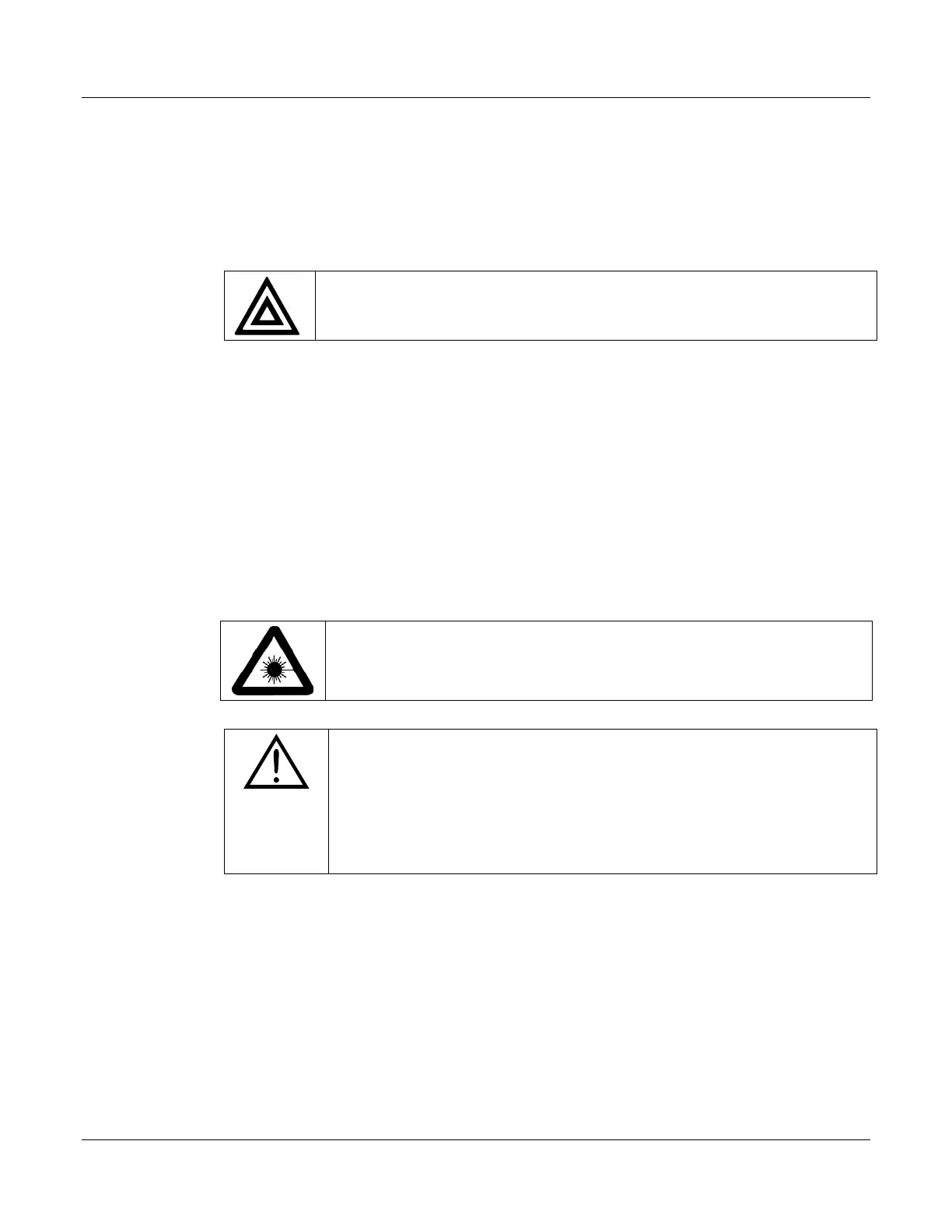
WARNING
•
Never clean the unit when the power is turned on.
Cleaning the Equipment
Cleaning Procedure
1. Unplug the equipment from the line power.
2. Clean the enclosure with a cloth dampened with water.
3. DO NOT plug the unit to the line power until it is completely dry.
Cleaning Optical Connectors
WARNING: LASER SAFETY
• Never clean the connectors when the unit is turned on.
CAUTION
• Be sure the unit’s Universal Connector Adapter (UCA) and
internal optical connectors are clean and undamaged.
Connecting an optical connector to the unit when
contaminated/dirty can cause significant damage to the unit’s
Prerequisites
The following items are required for cleaning:
• Filtered compressed air or dusting gas
• Lint-free pipe cleaners or lint-free swab
• Lint-free towels
• Optical grade isopropyl alcohol or optical grade 200° ethanol (do not use
rubbing alcohol, which contains 30% water)


 To Next Page