Remote Commands
Common Application Commands
MAP-200 Optical Switch mOSW-C1 Installation and User Guide Standard
June 2016 Document Number 22112369-120 R000 Page 74
:LOCK
Description
Lock the specified application for the exclusive use of the owner. Once the application is
locked, only the owner can access it; for all the other users access will be blocked except
the command LOCK? query the lock status will always return the current lock status.
Input Format
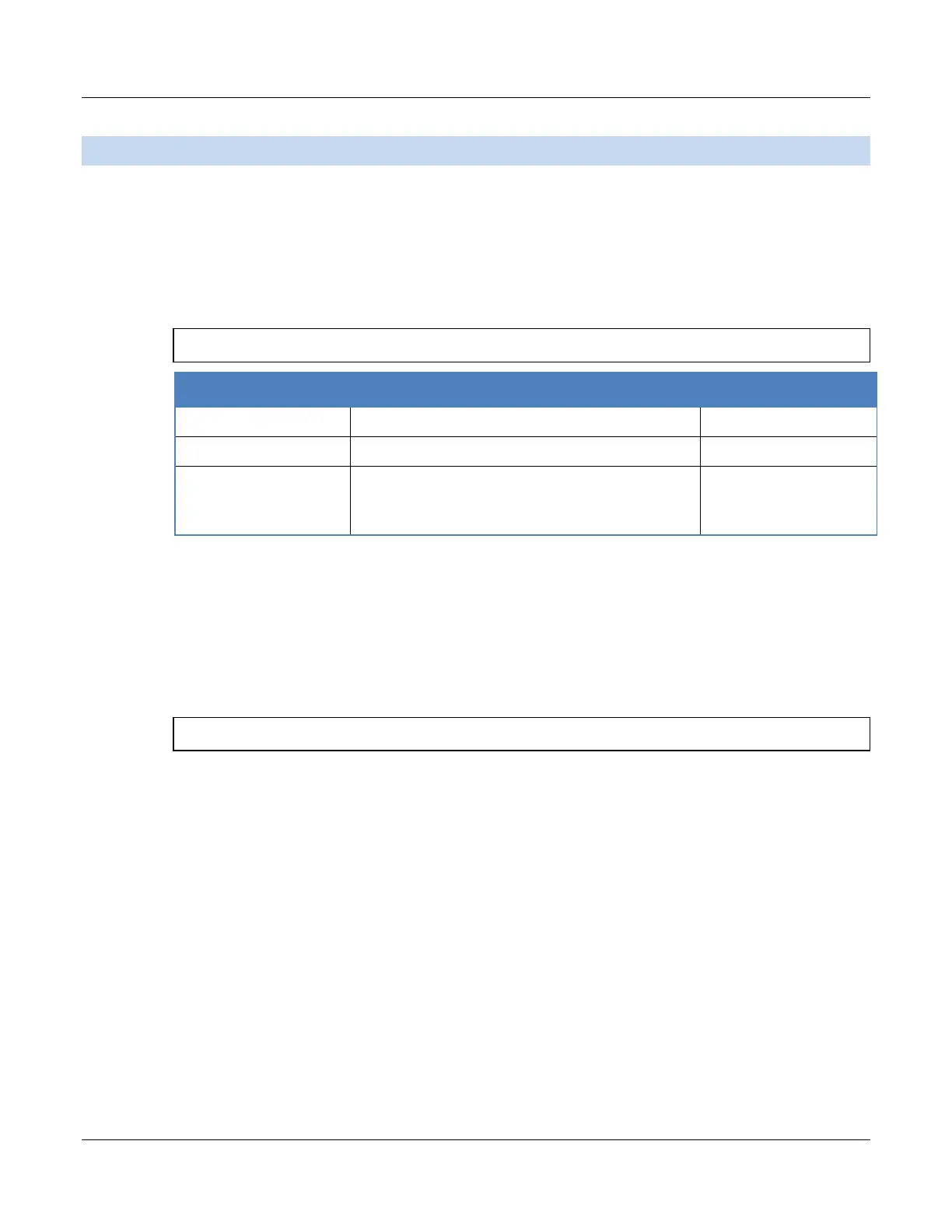
:LOCK <STATE>,<OWNER_NAME>,<IP_ID>
<IP_ID>
String can be IP address or string “LOCAL”
which indicate the source is from local
up to 20 char
Output Format
None.
Example
The following example sets the lock state.
Terminal Input:
:LOCK 1,”LXI”,”LOCAL”


 To Next Page