Getting Started
Installing the mOSW-C1 into a MAP-200 Chassis
MAP-200 Optical Switch mOSW-C1 Installation and User Guide Standard
June 2016 Document Number 22112369-120 R000 Page 29
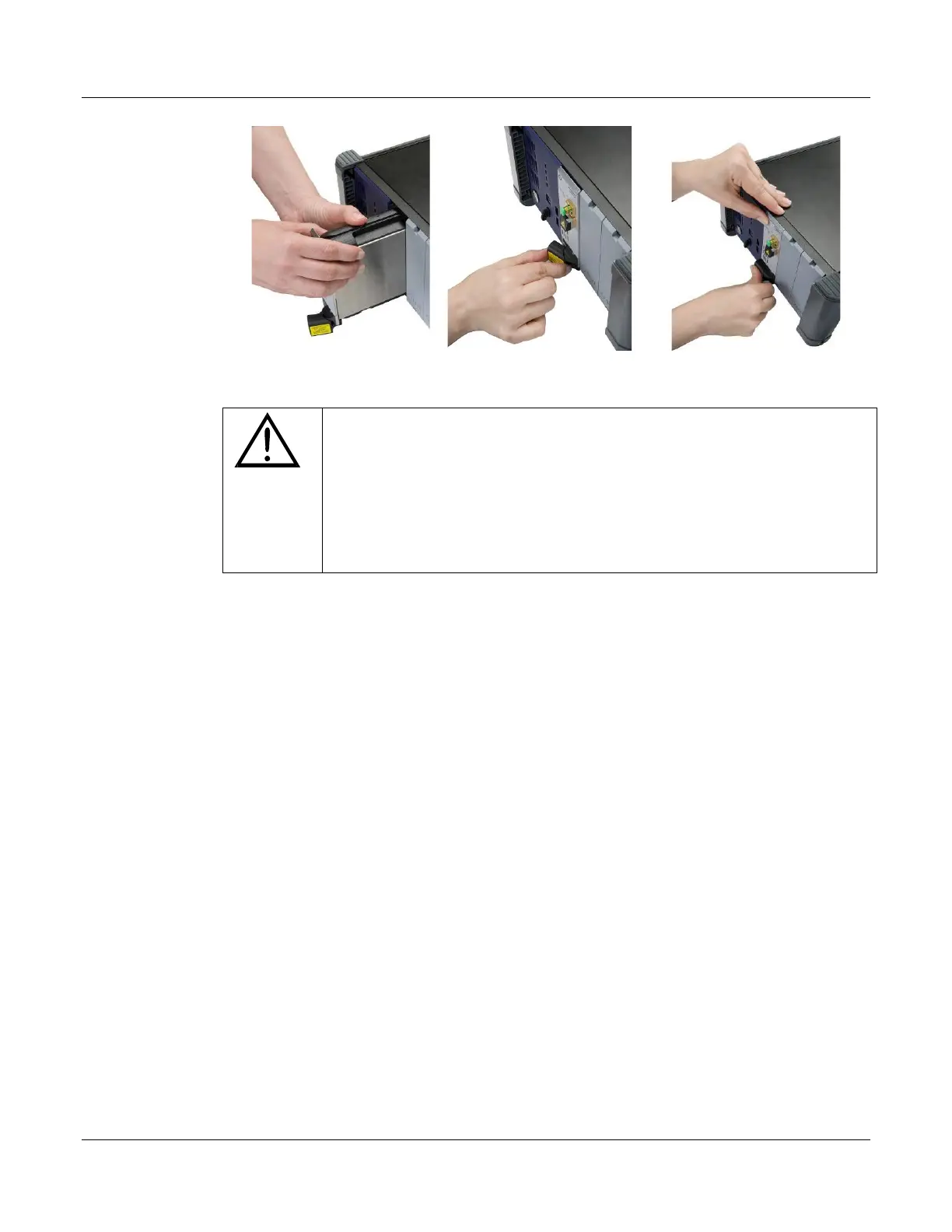
Figure 11: Inserting an Optical Cassette
CAUTION
• Use minimal force when sliding in the cassette during
installation. Pushing the cassette in too fast could damage the
connector on the back plane.
• An optical cassette or blanking plate MUST be present on each
slot to ensure proper airflow within the unit.


 To Next Page