10
Multi-Sensor 360 User Manual
Chapter 1: Product Introduction
Copyright © 2021 Vicon Industires Inc. All Rights Reserved.
Ceiling Installation
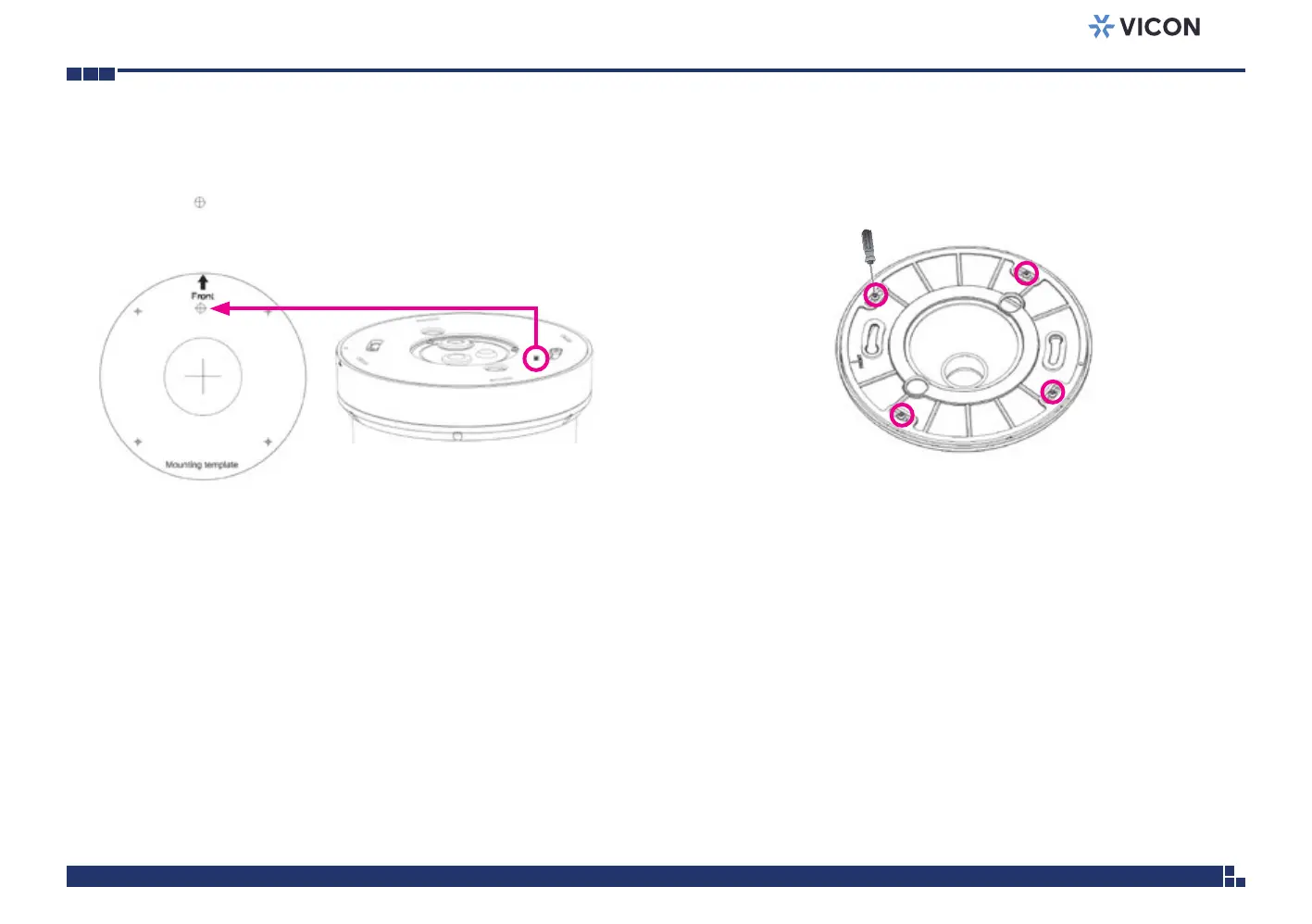
1. Secure the positioning label (mounting template) on to the ceiling. Drill
a hole on the mark to allow the screw on the camera to pass through
the drilled hole.
2. Remove the 4 screws on the plate to remove plate from the mounting
cap.



 To Next Page