SECTION 1.5 CLI ACCESS
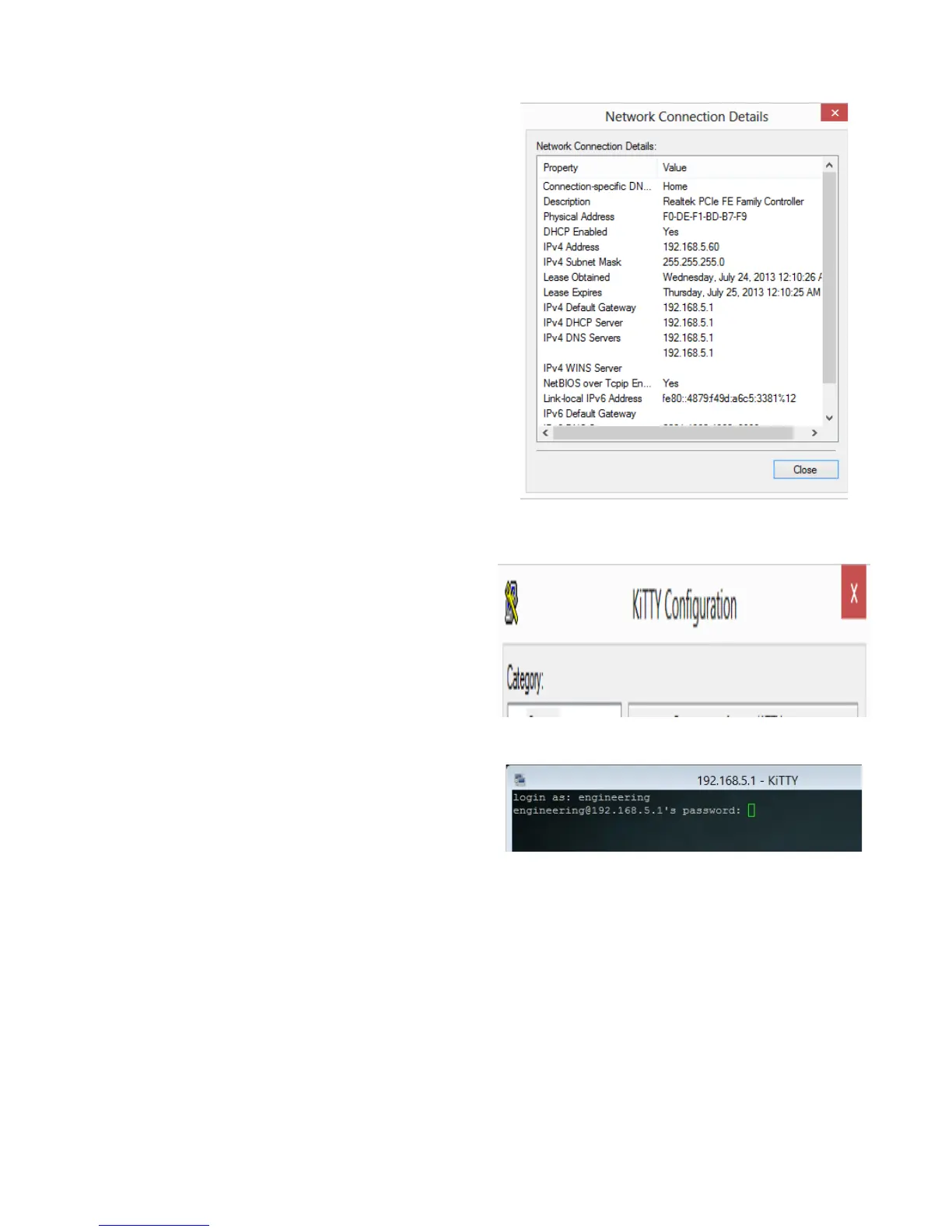
STEP 1 Verify IP Information
1.A Determine the IP and Port of the service
interface.
If you are accessing the unit remotely:
Determine the WAN IP and Service Port.
Verify that your local IP will not be blocked by any
gateway, or network, ACLs.
If you are accessing the unit locally:
Determine the LAN IP of the gateway.
In a NAT, or Routed configuration, this will be your
Gateway IP, assigned by DHCP.
In a Bridged configuration, you will need to statically
assign an IP, to your device, within the same subnet
as the gateway’s unadvertised LAN IP.
Step 2 Connect via Client
2.A Via your OS Terminal, or Console Program,
you may enter the IP and Port information
Example of WAN Access:
172.20.100.18 port 6022
Example of LAN Access:
192.168.6.1 port 22
2.B
When Challenged, enter the username and
password associated with your account.
VisionNet M504 / M505N R3 Page 10 of 62 User Manual Rev 0.1c



 To Next Page