SECTION 2.3 CUSTOMIZING xDSL PARAMETERS
Abstract
This section will provide instructions on changing xDSL parameters. Upon changing parameters, your modem will need to re-
train; and you will be temporarily disconnected from WAN side connections.
This section will not explain, in detail, the various ATM based options; these should be specified by an ISPs Network Operations
Center and OSP Manager.
Step 1 Direct your browser to the xDSL Properties page
1.A In the left-hand navigation pane, select:
WAN
xDSL Properties
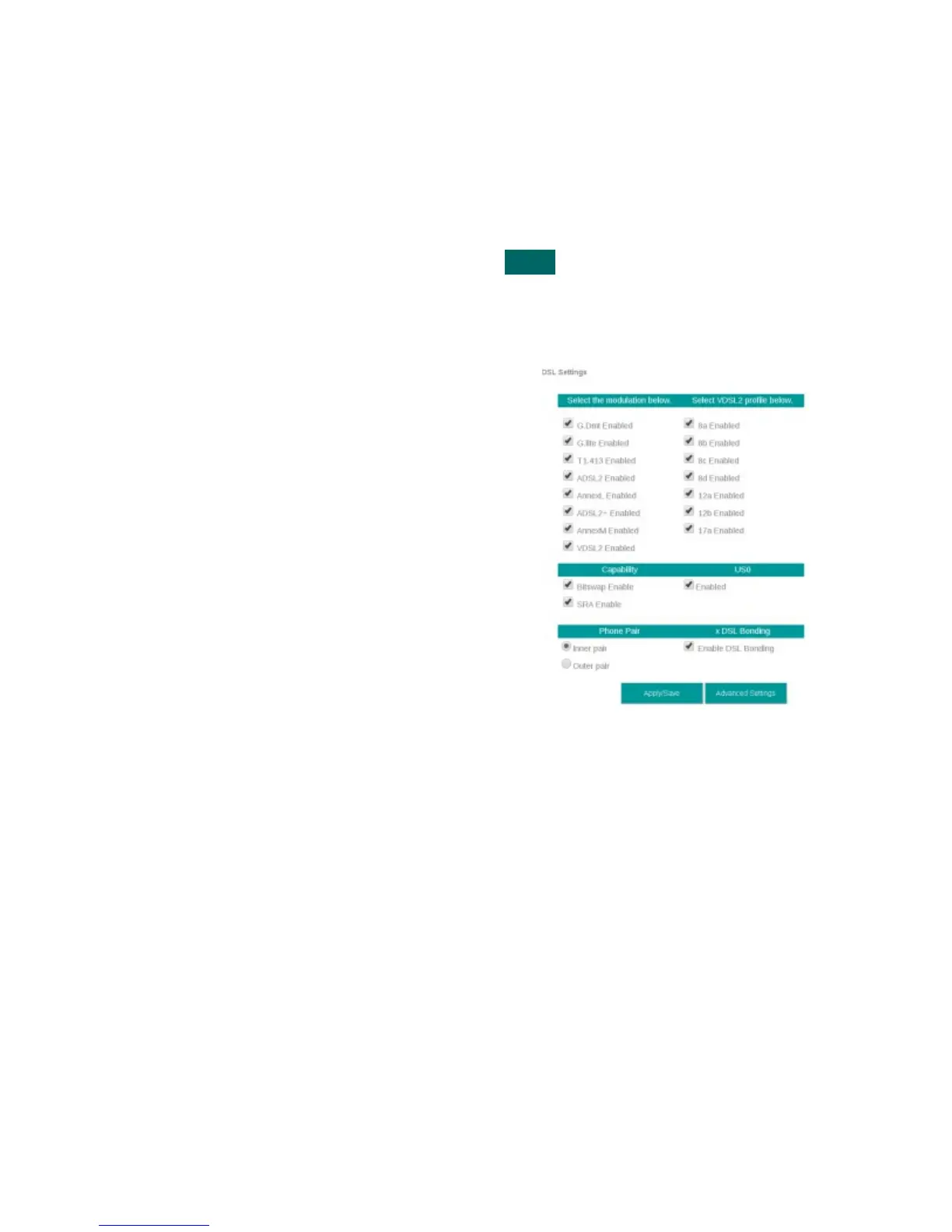
Step 2 Select the appropriate parameters for xDSL configuration
2.A Select Parameters
The necessary parameters will be dictated by
your network, DSLAM capabilities, and profile
considerations
xDSL Properties
2.B Select “Save / Apply”
VisionNet M504 / M505N R3 Page 16 of 62 User Manual Rev 0.1c



 To Next Page