SECTION 8.5 DMZ Hosts
Abstract
Once a Routed IPv4 WAN Interface has been created, and NAT Assigned, there may be a need to alter the way that specific
applications traverse NAT.
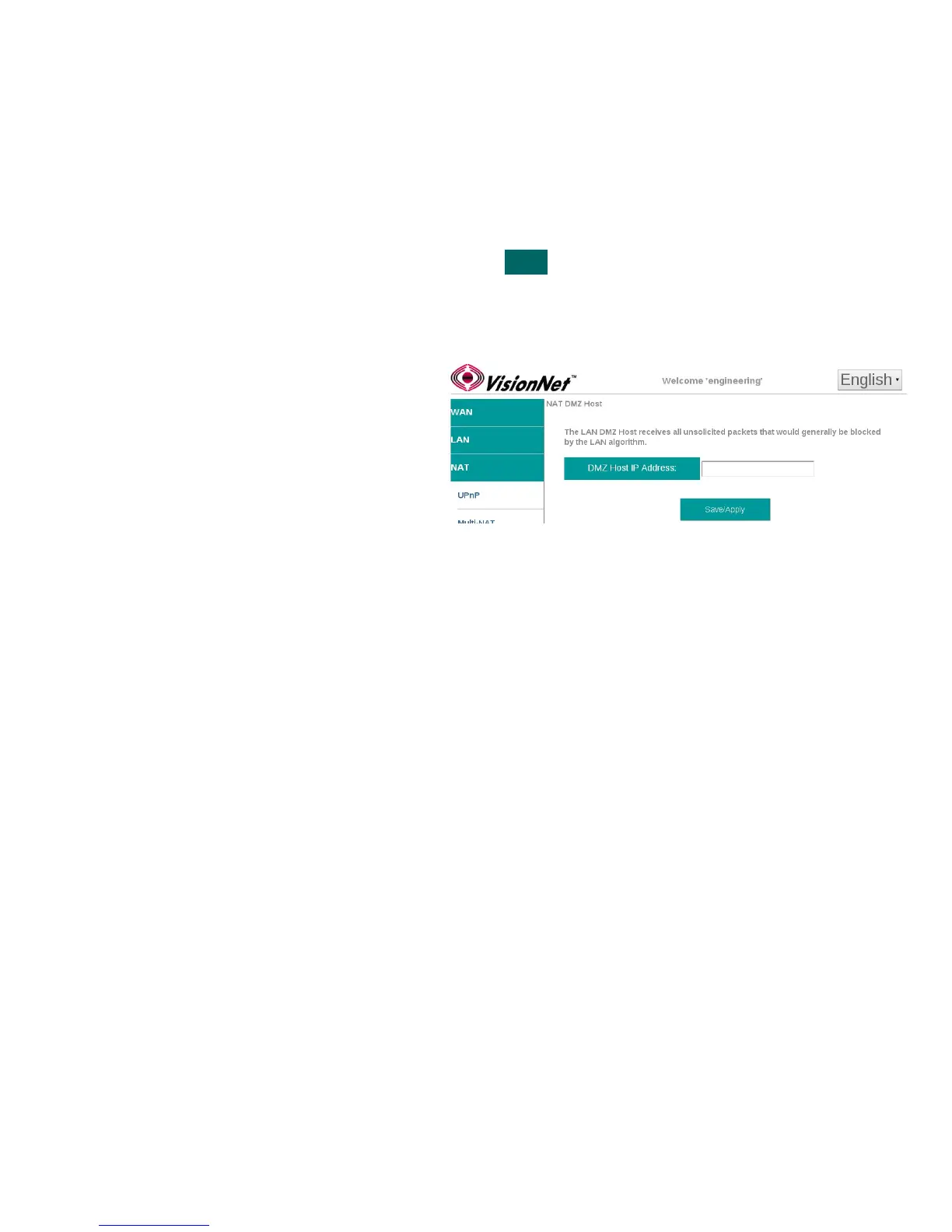
DMZ Host forwards all packets, directed to ports not currently associated with a NAT connection, to a single host IP as
specified. This is only suggested for trouble-shooting NAT Traversal for applications; but not for permanent use.
Step 1 Direct your browser to the DMZ Host page
1.A In the left-hand navigation pane, select:
NAT
DMZ Host
Step 2 Specify DMZ Host
2.A Enter the LAN IP of the desired host
device
Step 3 When finished, select “ Apply / Save “.
VisionNet M504 / M505N R3 Page 48 of 62 User Manual Rev 0.1c



 To Next Page