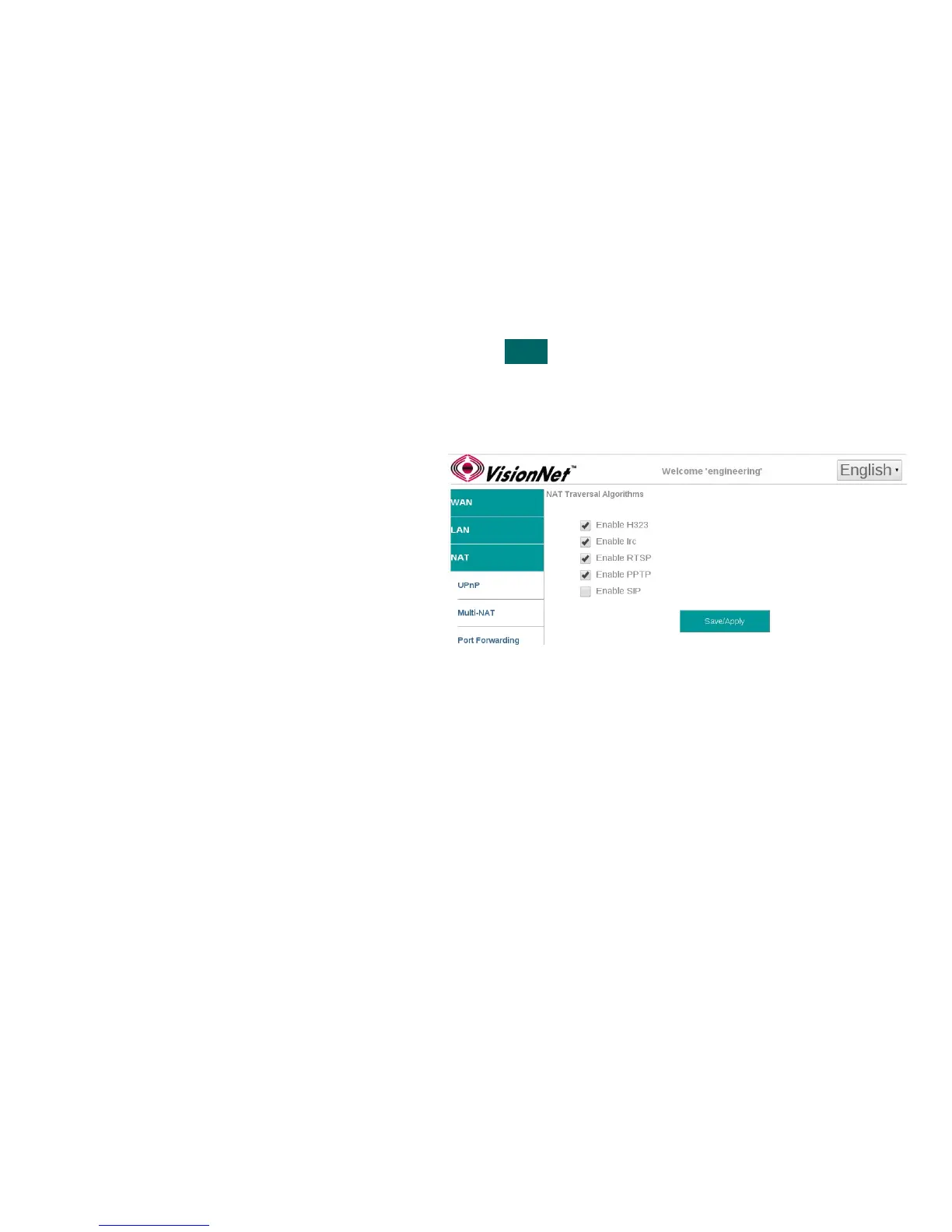
SECTION 8.6 NAT Traversal Algorithms
Abstract
Once a Routed IPv4 WAN Interface has been created, and NAT Assigned, there may be a need to alter the way that specific
applications traverse NAT.
NAT Traversal algorithms attempt to identify common applications and open up ports to accomodate host / server
communications.
Some application clients have evolved to traverse NAT without need for these algorithms. If there is an unresolved issue,
involving NAT, you may wish to begin by disabling all algorithms and then enable specific protocols.
Up to 40 NAT Traversal connections may be concurrently utilized.
Step 1 Direct your browser to the Traversal ALG page
1.A In the left-hand navigation pane, select:
NAT
Traversal ALG
Step 2 Enable / Disable requested ALG
2.A Enter the LAN IP of the desired host
device
Step 3 When finished, select “ Apply / Save “.
VisionNet M504 / M505N R3 Page 49 of 62 User Manual Rev 0.1c



 To Next Page