SECTION 3: QUALITY OF SERVICE
SECTION 3.1 QUALITY OF SERVICE ENABLE / DISABLE
Abstract
This section will depict enabling / disabling QoS for WAN Path Prioritization. QoS queues packets, based upon priority weight,
for processor and transmittal priority.
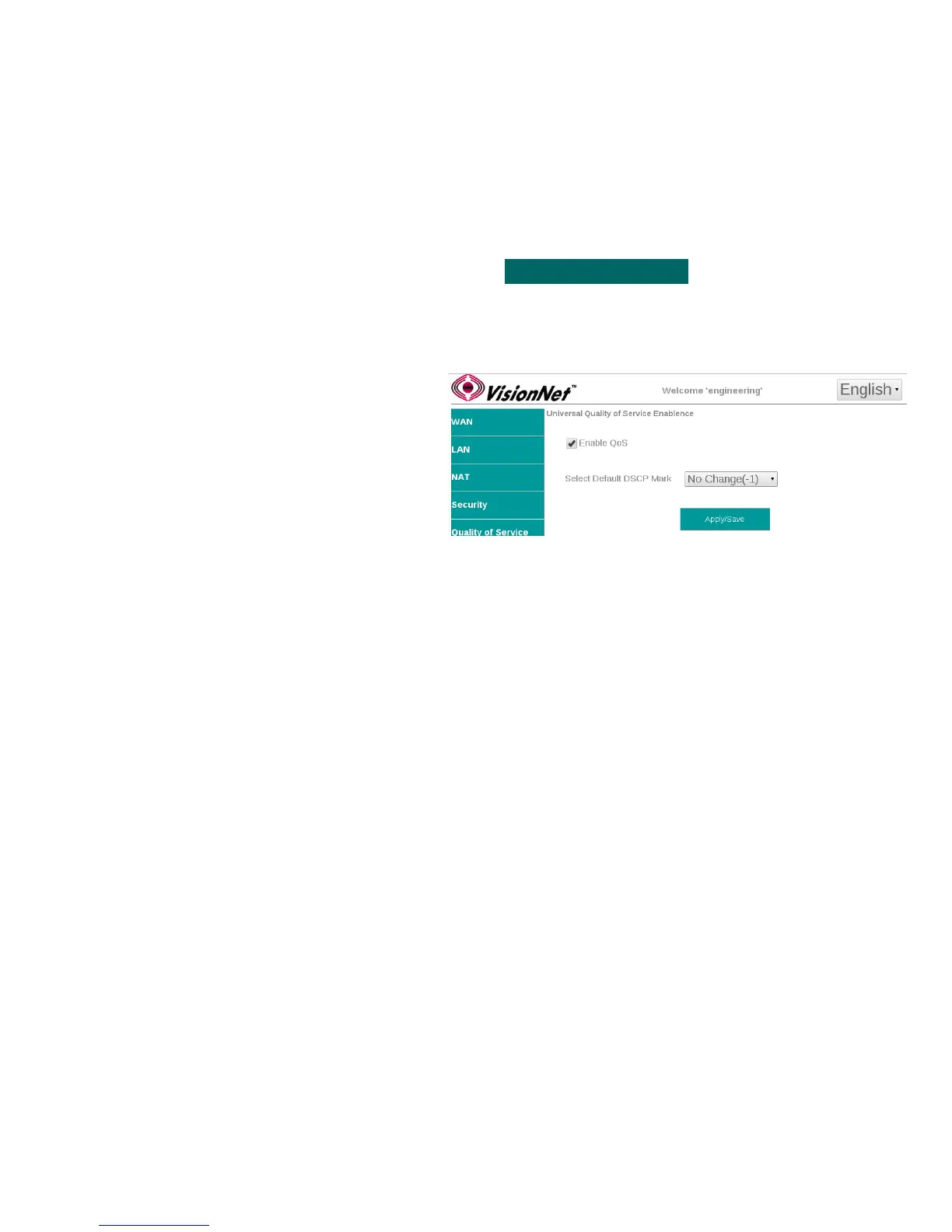
Step 1 Direct your browser to the Enable QoS page
1.A In the left-hand navigation pane, select:
Quality of Service
Enable QoS
Step 2 Enable / Disable QoS
2.A Enable QoS
Default Disabled
Default DSCP Mark
Default No Change
Note: Default DSCP Mark will be used when
creating Egress Class Rules
2.B When finished, select “ Apply / Save “.
VisionNet M504 / M505N R3 Page 32 of 62 User Manual Rev 0.1c



 To Next Page