SECTION 2.5 CREATING AN ATM INTERFACE
Abstract
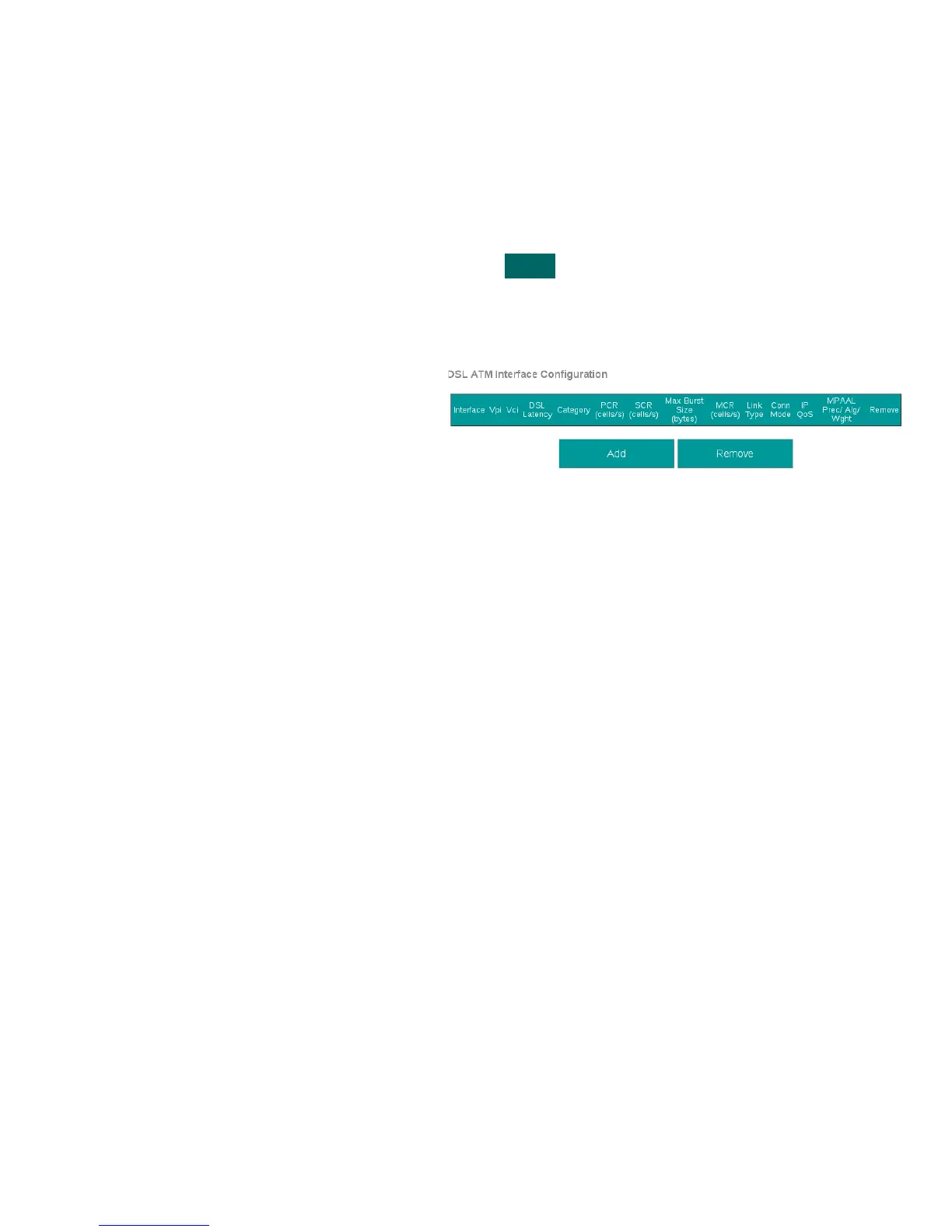
This section will demonstrate the creation of an ATM Interface, most commonly used for ADSL/2/2+ Operation.
This section will not explain, in detail, the various ATM based options; as this must be specified by an ISPs Network Operations
Center and OSP Manager.
Step 1 Direct your browser to the WAN IF: ATM page
1.A In the left-hand navigation pane, select:
WAN
WAN IF: ATM
Step 2 Create an ATM Interface
2.A Select “Add”
Notes:
You must remove, and rebuild, an interface if
you would like to change parameters.
Associated WAN Services must be removed,
before an interface may be removed.
VisionNet M504 / M505N R3 Page 18 of 62 User Manual Rev 0.1c



 To Next Page