VIVOTEK - Built with Reliability
User's Manual - 15
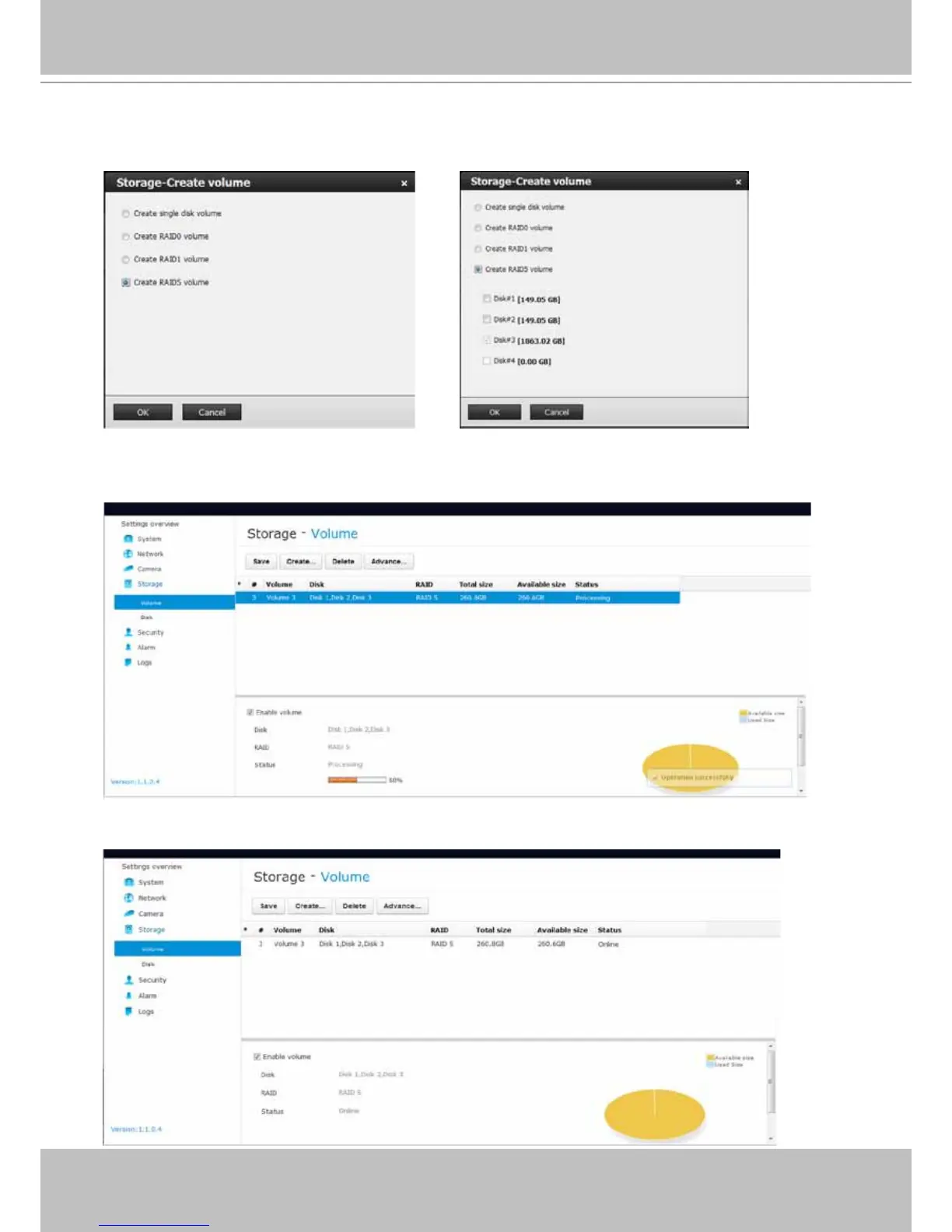
9. Depending on the number of hard drives you installed, a list of RAID volume congurations
will be listed. Select a conguration's check circle and the disk members of a volume, and
then click OK to continue. The initialization of a RAID volume will take several minutes.
10. The initialization process will be indicated as follows.
11. When done, the RAID volume details will be indicated on the Volume screen.
Please refer to page 82 for more information about Storage congurations.



 To Next Page