VIVOTEK - Built with Reliability
16 - User's Manual
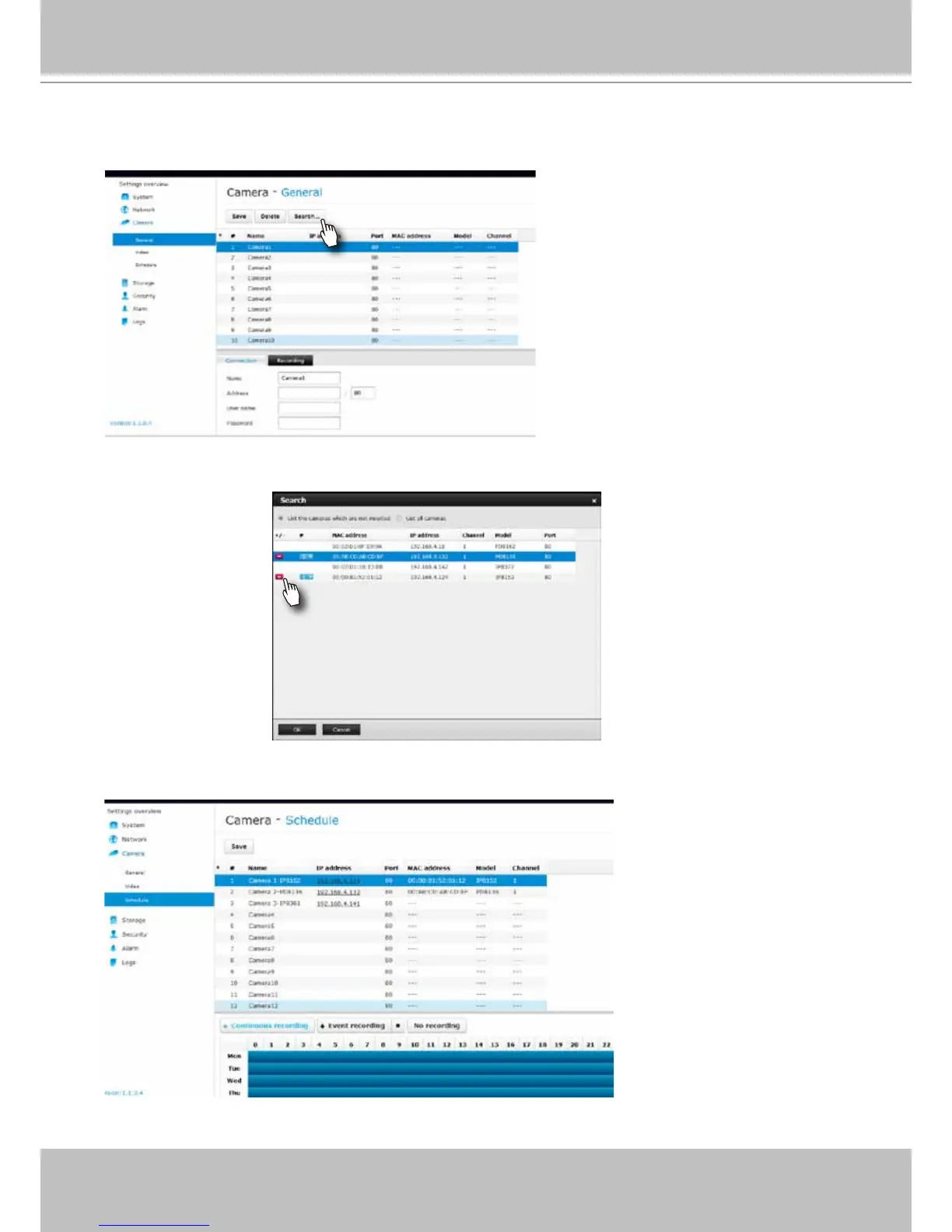
12. Click on Camera > General on the menu tree to open the camera settings page. Click on
the Search button to locate cameras installed in the subnet.
13. Cameras on the network will be listed. Click on the + button on the far left to enlist them into
your conguration. Click OK when done on this page. Click Save when you return to the
Camera page.
14. By default, cameras are congured to record all streaming at all time. You can change the
recording settings in Camera > Schedule.
15. Refer to the following chapters for more operation and conguration details.



 To Next Page