VIVOTEK - Built with Reliability
84 - User's Manual
To create a storage volume:
1. Click on the Create... button. Also check that if all your disk drives are listed. If properly
installed, they should all be listed in the Storage - Volume window.
Selected
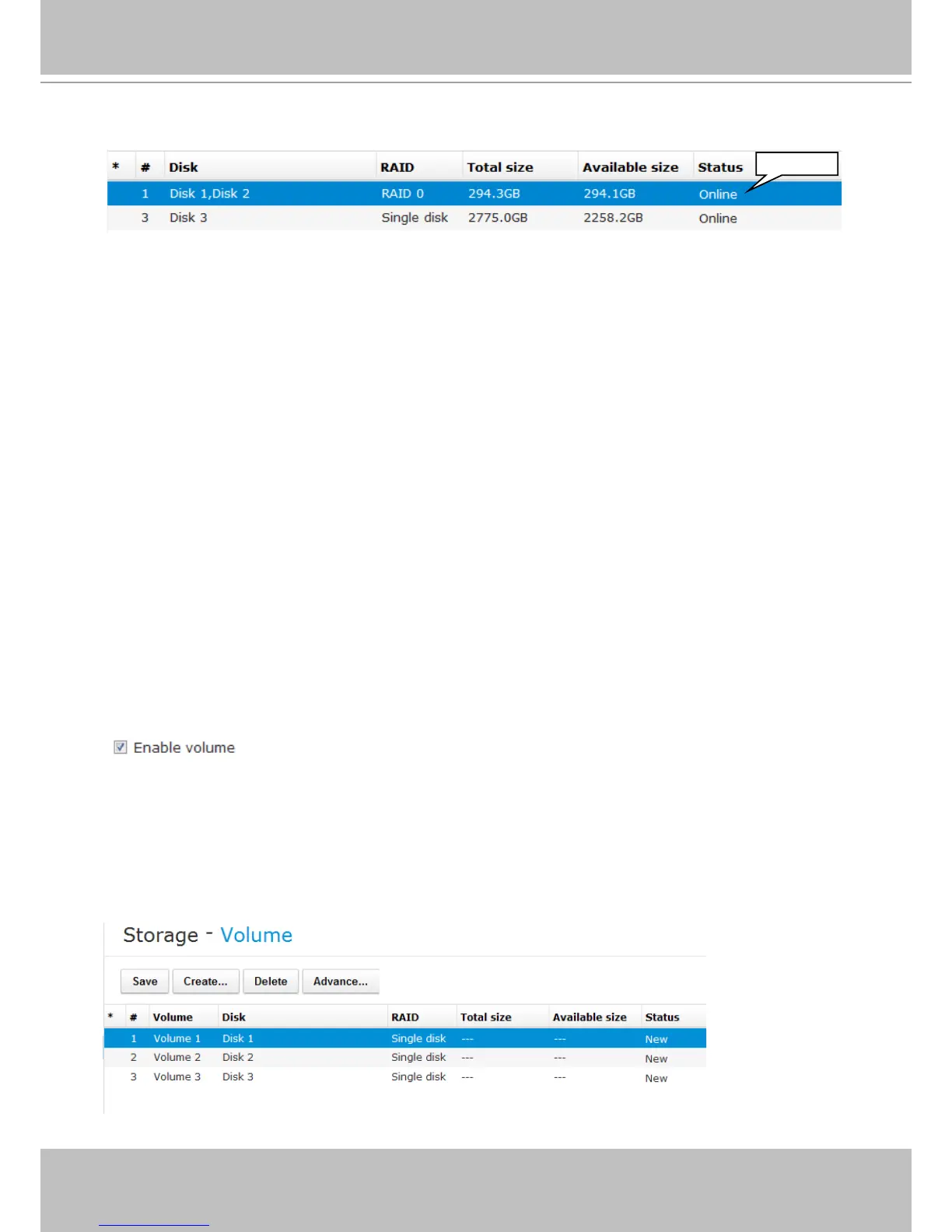
(*) asterisk: An asterisk symbol indicates that a volume's settings have been modied.
(#) numbered: Volume index.
Name: Volume name.
Disk: Member(s) of this volume.
RAID: The RAID level by which this volume was made.
Total size: Total usable capacity size in Gigabytes.
Available size: The unused capacity in Gigabytes.
Status: The statuses can be: New, Online, Ofine, Processing, Disabled, Error.
New: Individual disk drives have not been congured into usable storage volumes.
Online: The volume is ready.
Ofine: A volume that has fatally failed, or its member drives are missing. Buzzer will be
sounded if a volume goes ofine. Its sizes will then be indicated as unknown, "---."
Processing: A storage volume conguration is being processed.
Disabled: This volume has been disabled by users.
Error: Conguration or hard drive errors. The volume is invalid, and may need to be
manually removed.
The legends used in the Volume list are described below:
Enable volume: It takes several seconds to disable a volume for the need to inform running
software and services and ushing cached contents.



 To Next Page