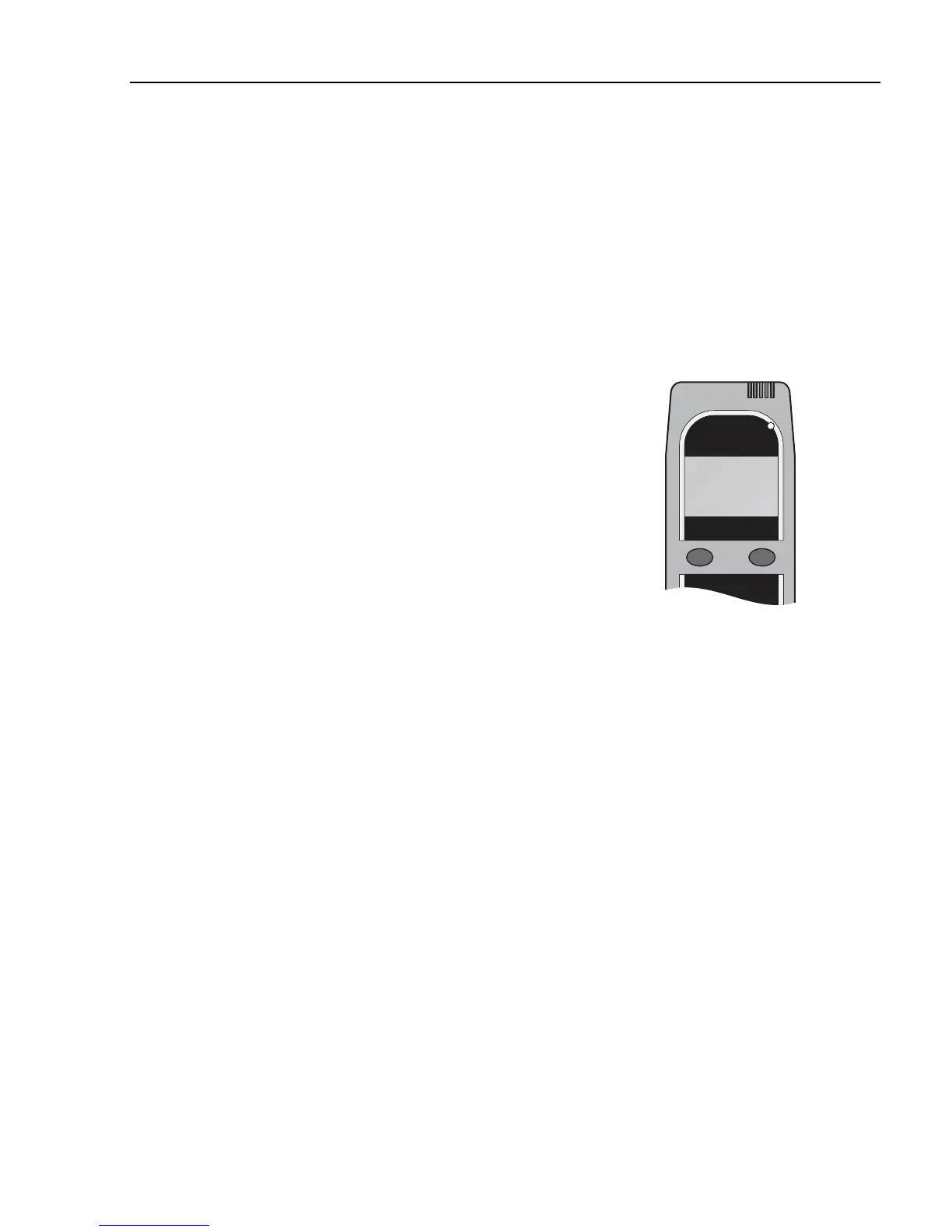
2 Use the left button to browse through the available
languages.
3 Press and hold the right button to save and exit the
Language submenu.
Select Exit to return to normal operations.
Dates
As with other breath alcohol testers, the ALCOLOCK
handset must be calibrated every 12 months to
maintain its accuracy. Failure to calibrate the
ALCOLOCK within the designated period will disable
the breath testing feature.
A service reminder will be displayed on the handset 14
days before the calibration period expires. The
calibration expiry date can also be viewed in the user
menu as described below.
Additional important dates such as current clock date
and time, service date and lockout date can be found in
this menu.
1 Press and hold the left button to access the user
menu.
Use the left button to scroll to Dates.
Press the right button to select this option.
2 Press the left button until the calibration expiry date
appears on the LCD.
3 After you have finished reviewing the date, press
and hold the right button to exit the dates submenu.
Select Exit to return to normal operations.
General messages and errors
1 Calibration Expired
After one year of operation the ALCOLOCK will
require calibration. Once the calibration period has
expired the vehicle can be started without a breath test.
Press the right button and turn the key in the normal
sequence and the motor will be allowed to start.
Note!
Calibrate the handset yearly
2 ADR Incompatible
Alcolock
383



 To Next Page